Integrate Prometheus with Infobip WhatsApp API
This tutorial is a walk-through for creating a simple monitoring and alerting system using Prometheus and Infobip's WhatsApp API. You can use this example if you already have a Prometheus server running, and want to receive alerts on your phone via WhatsApp.
To simulate the existing monitoring system, we will create a local setup with a Prometheus server configured to scrape its own metrics and evaluate alerting rules based on them. Alerts will be sent to Alertmanager. A basic Spring Boot application will receive these alerts from Alertmanager and forward them to a mobile phone via Infobip's WhatsApp API.
Products and channels [#products-channels]
This tutorial uses the WhatsApp channel, but it can be adapted for other channels.
Prerequisites [#prerequisites]
- Docker
- Infobip account (if you do not have one, you can create it here)
- Infobip API key with scope:
whatsapp:message:send
Technical overview [#technical-specifications-diagram]
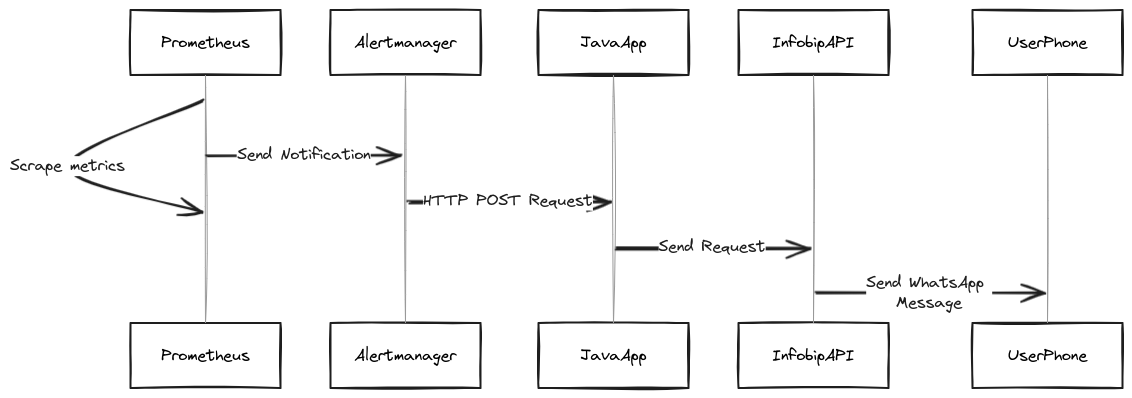
The system consists of three main components:
- Prometheus - A monitoring system that collects metrics from various sources.
- Alertmanager - A component that handles alerts sent by Prometheus.
- Spring Boot application - Service that listens for alerts from Alertmanager and sends them to your phone over Infobip's WhatsApp API.
The diagram below provides a high-level overview of the system we will build.
Implementation [#implementation-steps]
Step 1: Starting the project [#starting-the-project-implementation-steps]
The code used in this tutorial is available on GitHub. You can clone it by running the following command:
To get the project up and running, you need to populate the .env file with your personal:
- Infobip API key (with scope
whatsapp:message:send) - Infobip base URL
- Infobip sender phone number
- Recipient phone number
Then, run the following command from the project's root directory:
This setup will launch instances of Prometheus and Alertmanager, accessible at http://localhost:9090 and http://localhost:9093 respectively.
Additionally, a convenience UI will be available at http://localhost:8080/index.html for troubleshooting purposes. Within a few minutes, you should receive an alert on your phone.
To shut down the example, run the following command:
Step 2: Understanding monitoring setup [#understanding-monitoring-setup-implementation-steps]
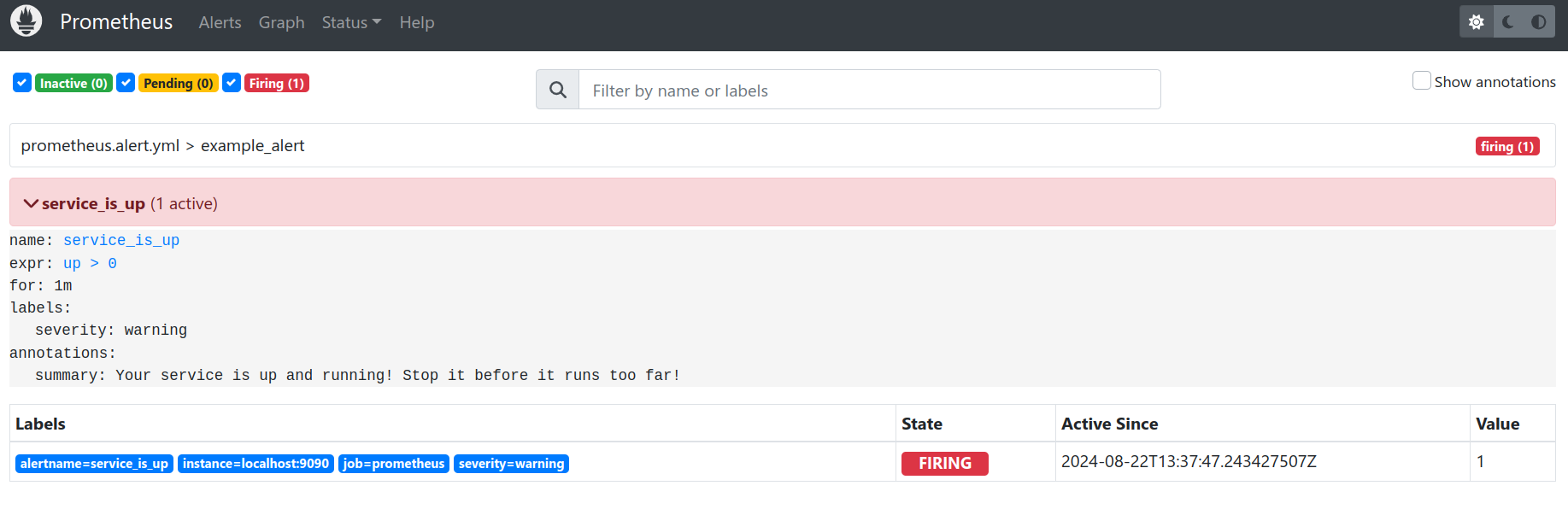
The Prometheus instance is configured to scrape its own metrics and evaluate an alerting rule that will trigger an alert after one minute.
The Alertmanager allows configuring a generic receiver of the alerts. In our case, it will be an endpoint exposed by the Spring boot application.
One minute after Prometheus starts, the alert should become active. You can check it by visiting http://localhost:9090 and selecting the Alerts tab.
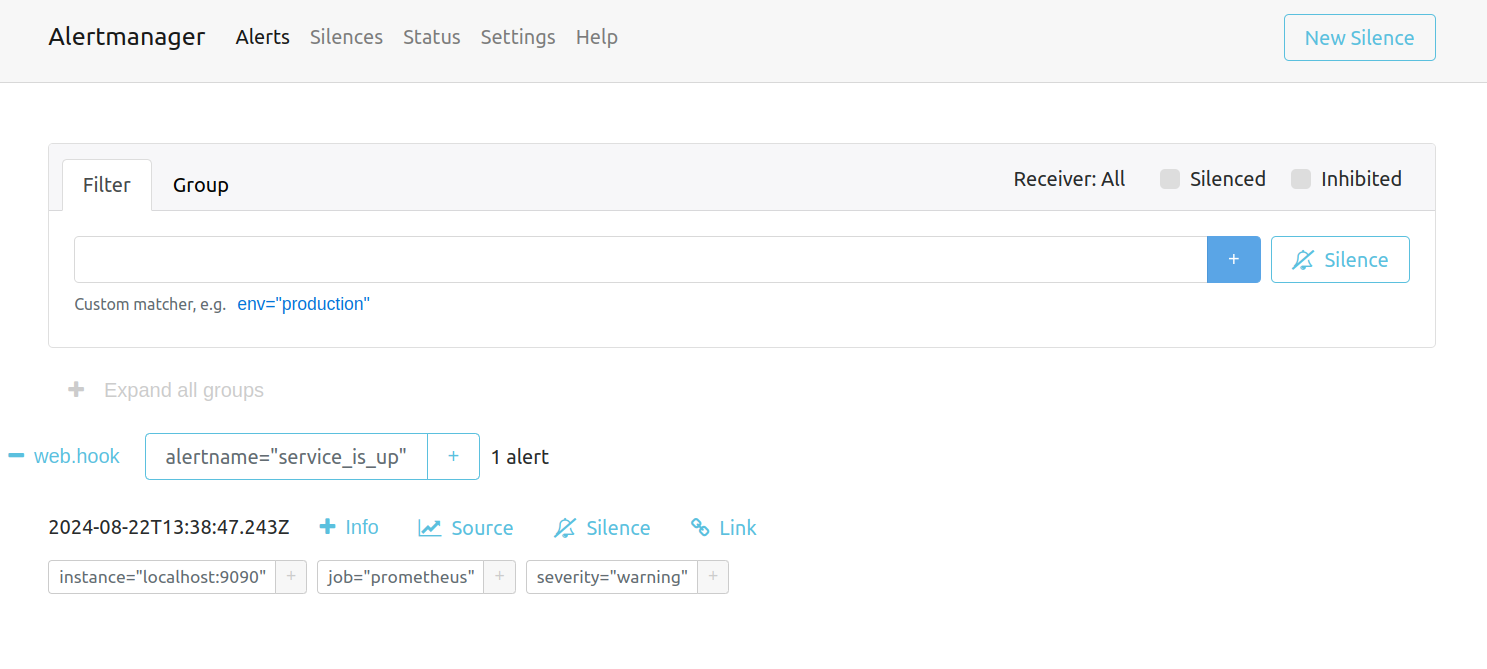
The same alert will also be triggered in Alertmanager. You can access it on http://localhost:9093
Step 3: Understanding Spring boot application [#understanding-spring-boot-application-implementation-steps]
The Spring boot application uses Infobip specific properties to define the API endpoint, API key, sender and receiver phone numbers.
These properties are loaded in the properties class.
They are used in a WhatsApp client to send the message over Infobip's WhatsApp API.
The endpoint that receives alerts is defined in a listener.
This endpoint uses the Alerts record to extract the subset of information from the alert sent from Alertmanager.
The format of the alert sent by Alertmanager can be seen here.
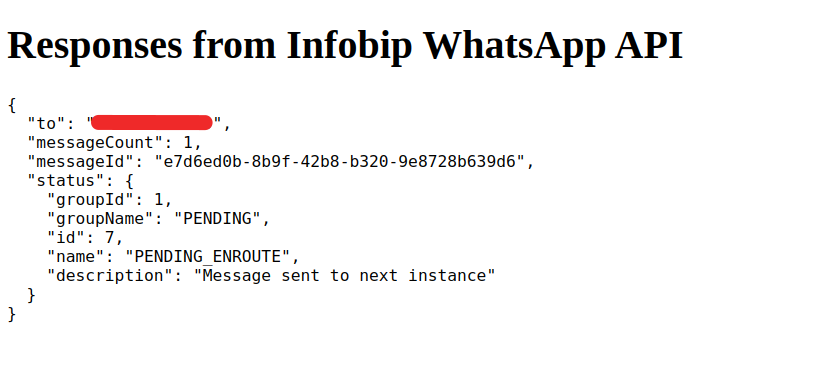
After the application receives the alert, it will send it over Infobip's WhatsApp API. The response from Infobip API will be automatically rendered on the http://localhost:8080/index.html page.
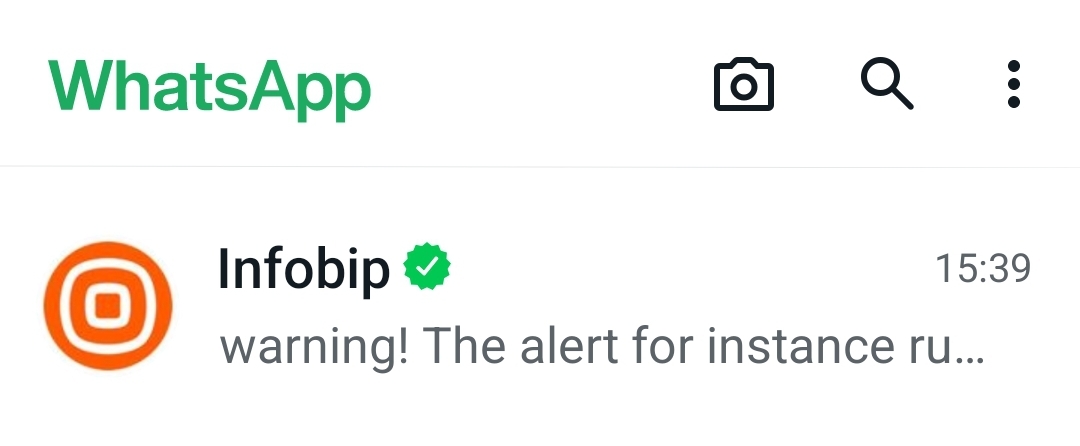
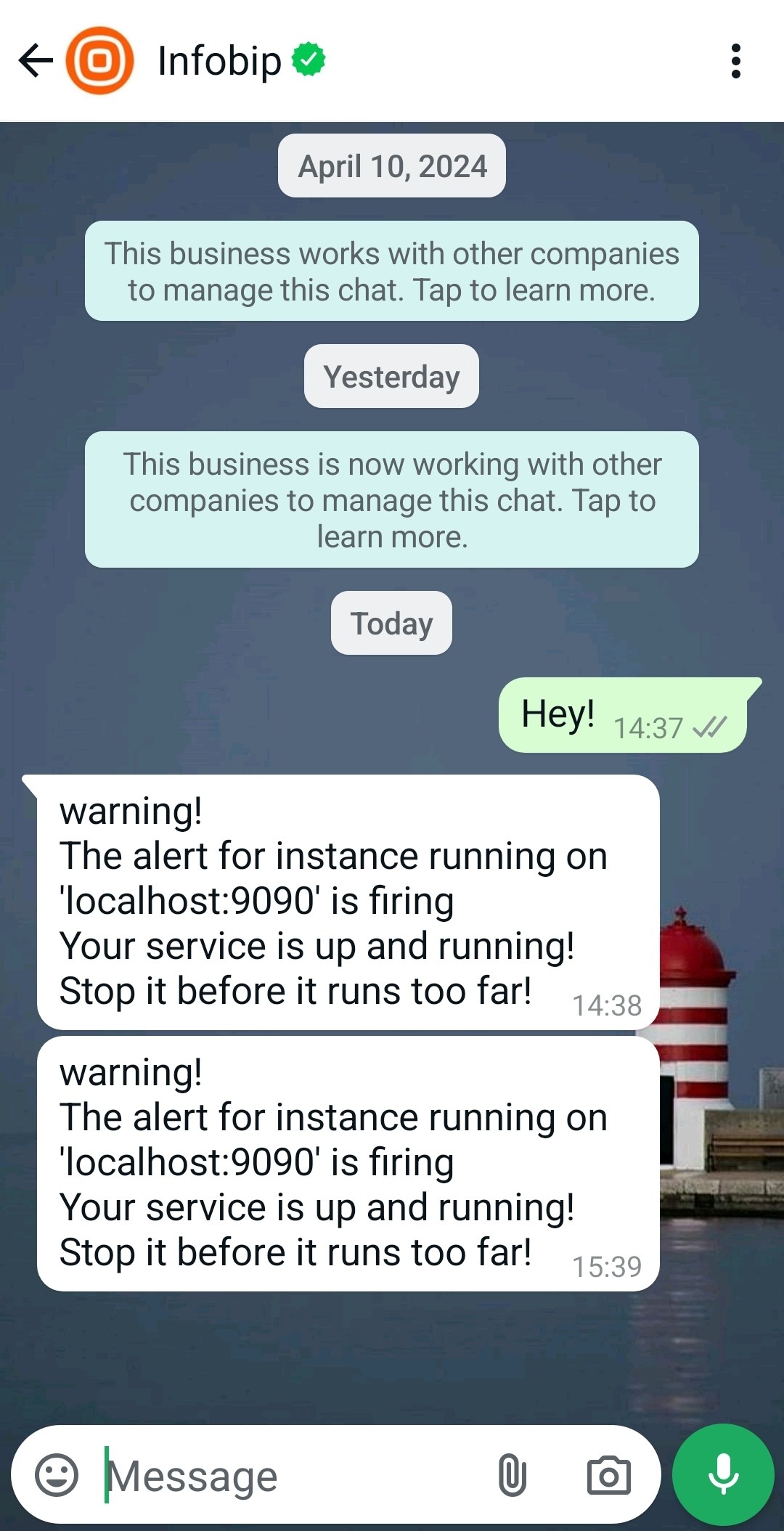
Shortly after the alert is sent, you should receive a message on your phone.
Troubleshooting
In case the message is not delivered, you can inspect the message status by logging in to your Infobip account and navigate to Analyze → Logs where you can use the messageId from the response to check the delivery status.
Next steps [#next-steps]
This example can be extended by looking into various options Infobip offers for sending WhatsApp messages and expanded by integrating other communication channels.