Create an account
To create an Infobip account, provide basic signup details or sign up with your Google or GitHub account. No credit card is required. After creating an account, you are automatically enrolled in a free 60-day trial. You can switch to a paid plan at any time.
To create an Infobip account:
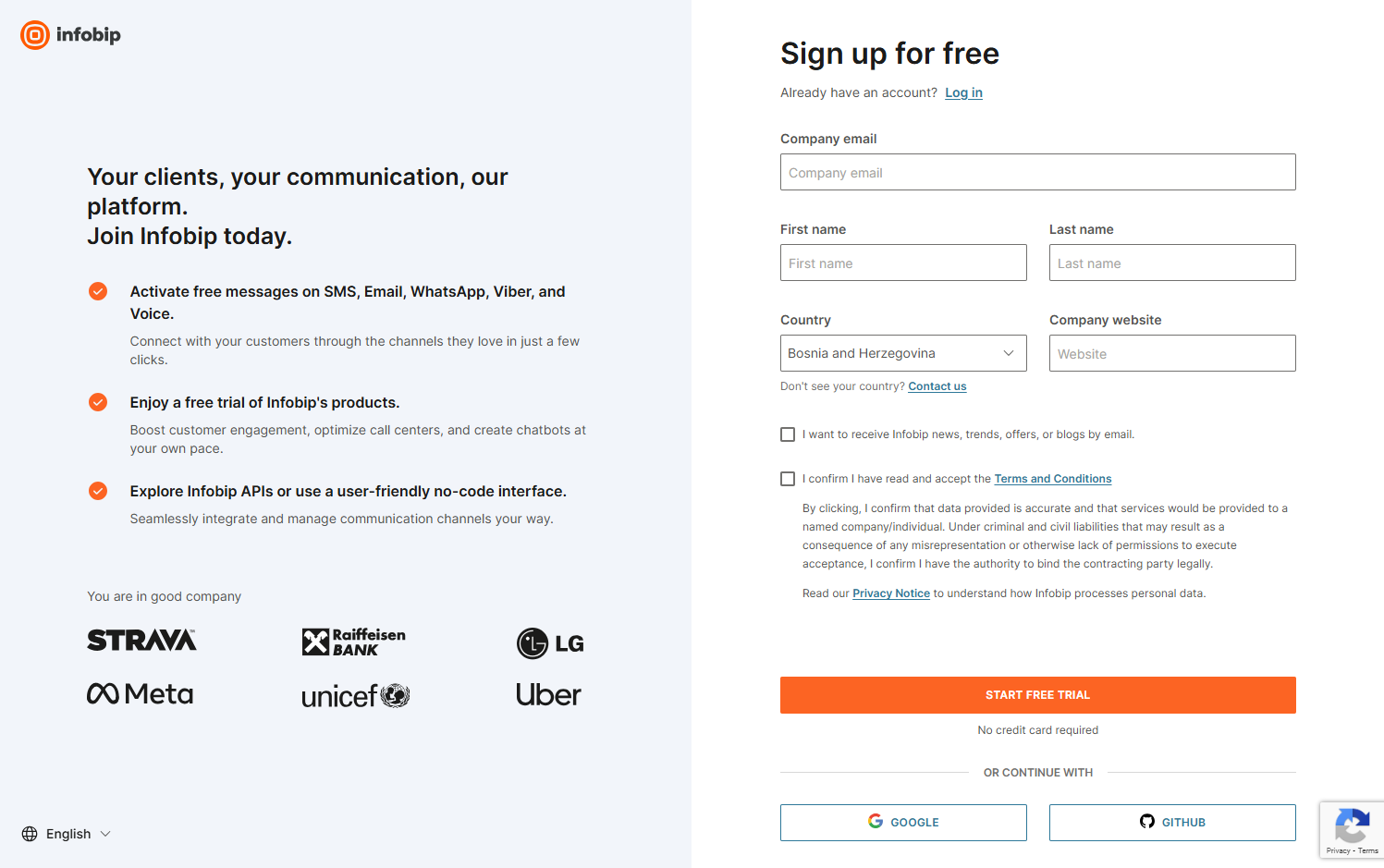
Sign up
Go to the signup page, enter your details, and select Start Free Trial. You can also sign in with your Google or GitHub account.
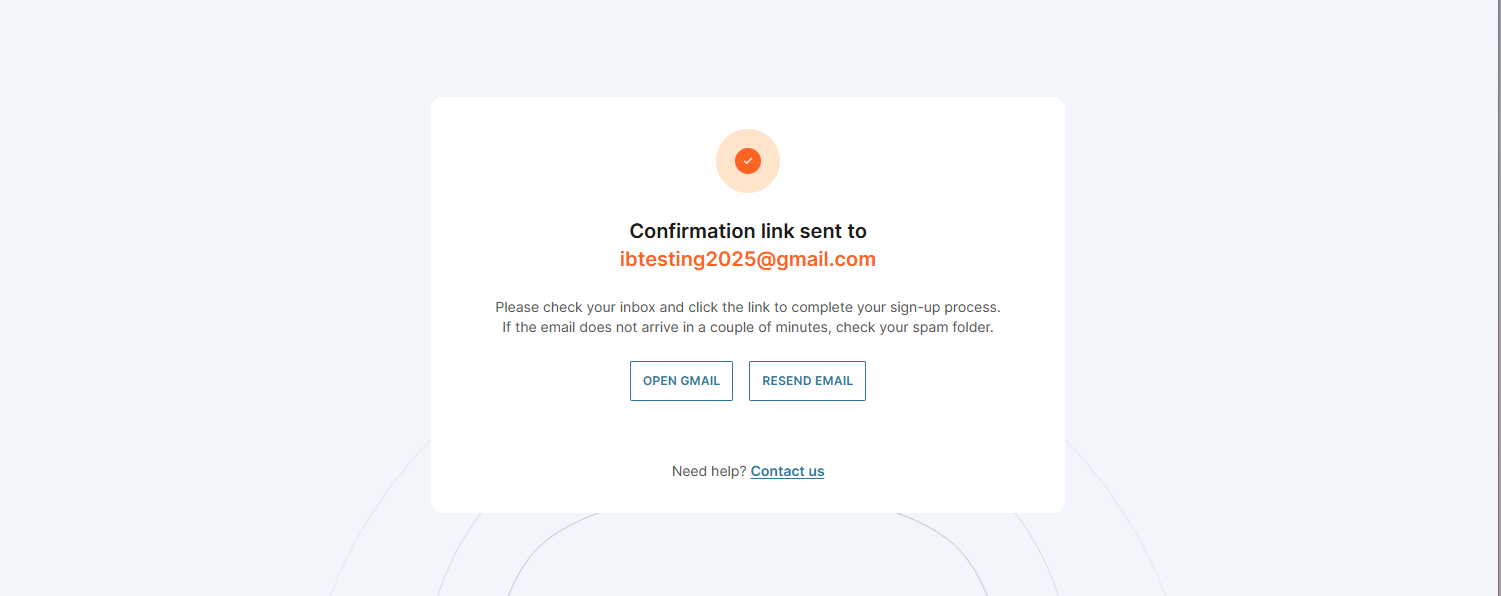
Verify your email
Check your inbox for a verification link and select Verify Your Email.
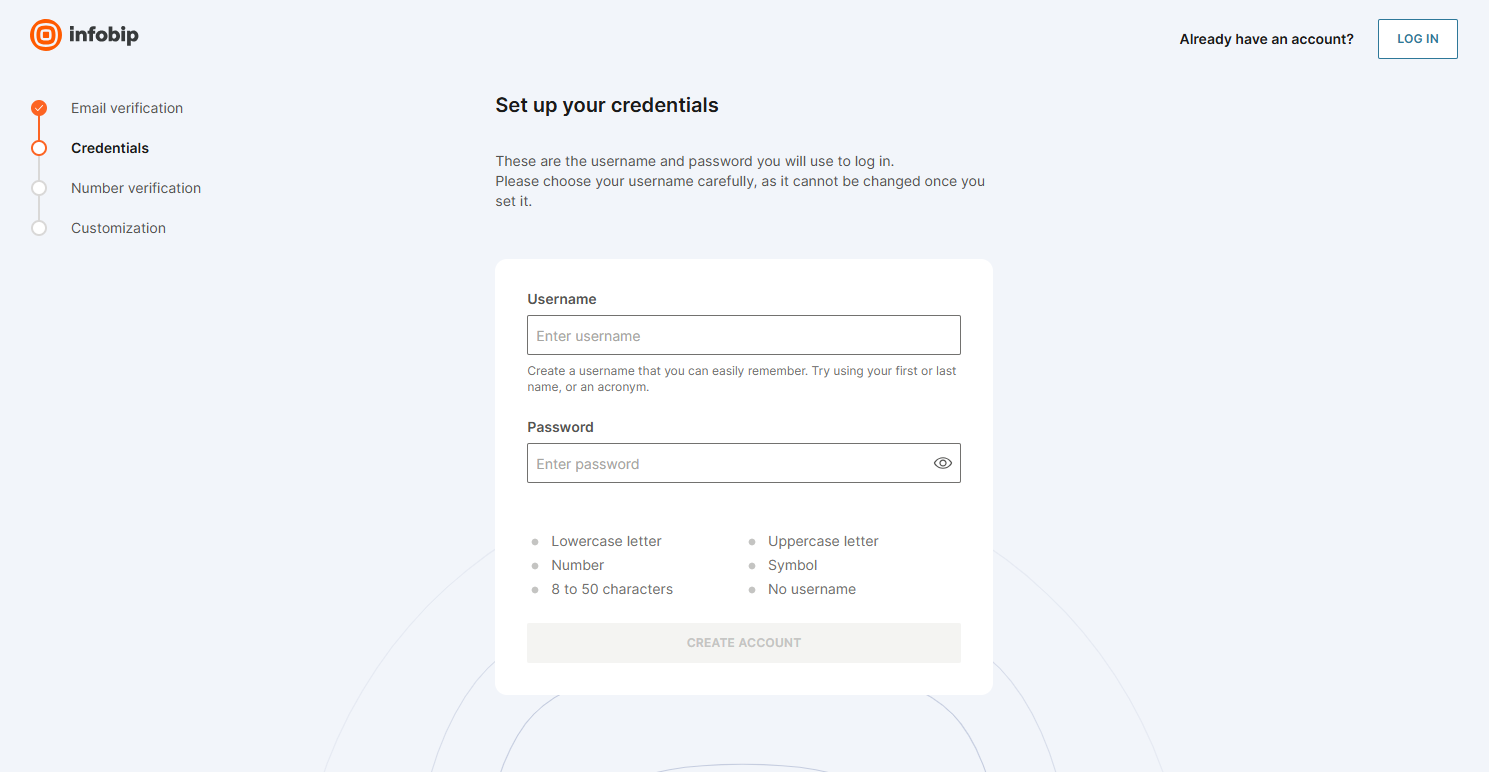
Set your credentials
Set up your username and password following the requirements shown on screen. Select Create Account when ready.
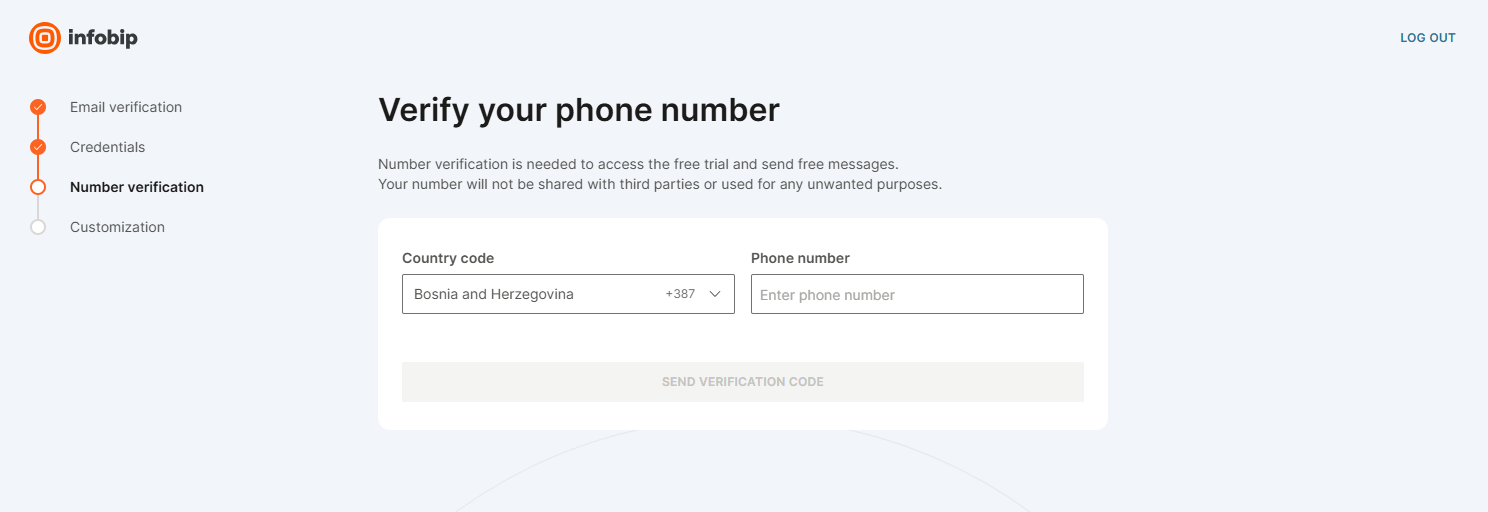
Verify your phone number
Enter your phone number and select Send Verification Code. Enter the code you receive and select Next.
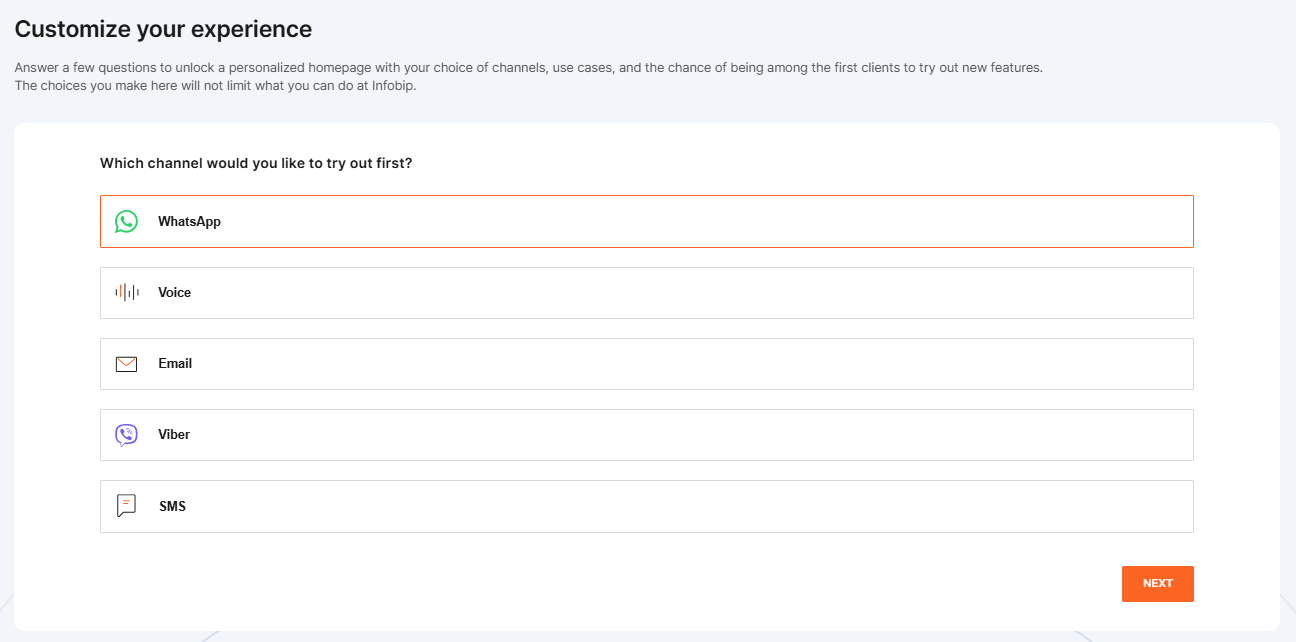
Customize your experience
Choose which channels to try, select your preferred communication service, and choose how you want to use the platform: By using code (APIs, SDKs) or Without code (web interface). Enter your company details and select Go To Homepage.
You are in
After completing your details, the platform opens your account homepage. Your free 60-day trial starts immediately.
Username: Cannot contain special characters and cannot be changed after creation. Password requirements are listed on the security recommendations page. To create a strong password, use a password generator tool.
What is the account used for?
An Infobip account allows you to use Infobip-related channels and products we offer, including our APIs.
Use it to:
- Manage your own and your team's user settings and permissions.
- Access and manage Infobip products: Inbox, Automation Studio, AI Agents, Customer Profiles, Insights and Analytics.
- Access and manage channels, like SMS, Email, WhatsApp, and Viber.
- Create and manage your API keys and view your base URL.
- Contact the Infobip Support team to report an issue or leave feedback.
Select a user type
Once logged in, select whether you are a business user or a developer at the top of the page:
- Business users can test messages using the web interface.
- Developers can send test messages using a ready-made API request.
You will still have the same amount of free credits regardless of which user type you activate, or whether you use both of them.
Depending on your chosen channels, the platform displays customized options for each channel.
Register a phone number
Calls and messages in the trial period can be sent only to mobile phone numbers and email addresses you verified during the signup process.
You can use more than one phone number or email address while in the free trial. See Free trial for more details.
Start sending messages
Choose a channel and send your first test message.
Free trial
Learn what is included in your 60-day trial and how to upgrade when you are ready.