Paying account
You can upgrade your Infobip account from a free trial to a paying account at any time, so there is no need to use up all your free trial credits before upgrading. Upgrading the account allows you to start sending messages to your customers directly from your number.
After you add funds, your account is no longer in free trial mode.
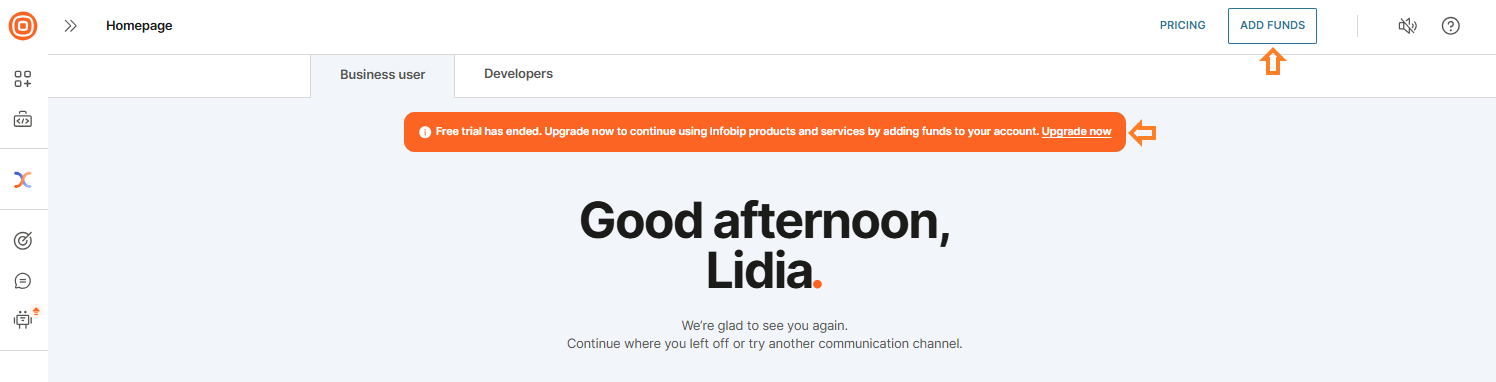
You can add funds to your account at any time by selecting Add Funds in the upper right corner.
If your free trial has ended, a banner appears at the top of your home page. Select Upgrade now to add funds and continue sending messages.
From there, you will see the following options to top up your account:
- Auto recharge
- Low balance recharge
- One-time payment
- Promo code
For a detailed explanation of the payment options mentioned above, visit the Payments page. When you add funds to your account, you can start sending messages to your customers.
Channel pricing
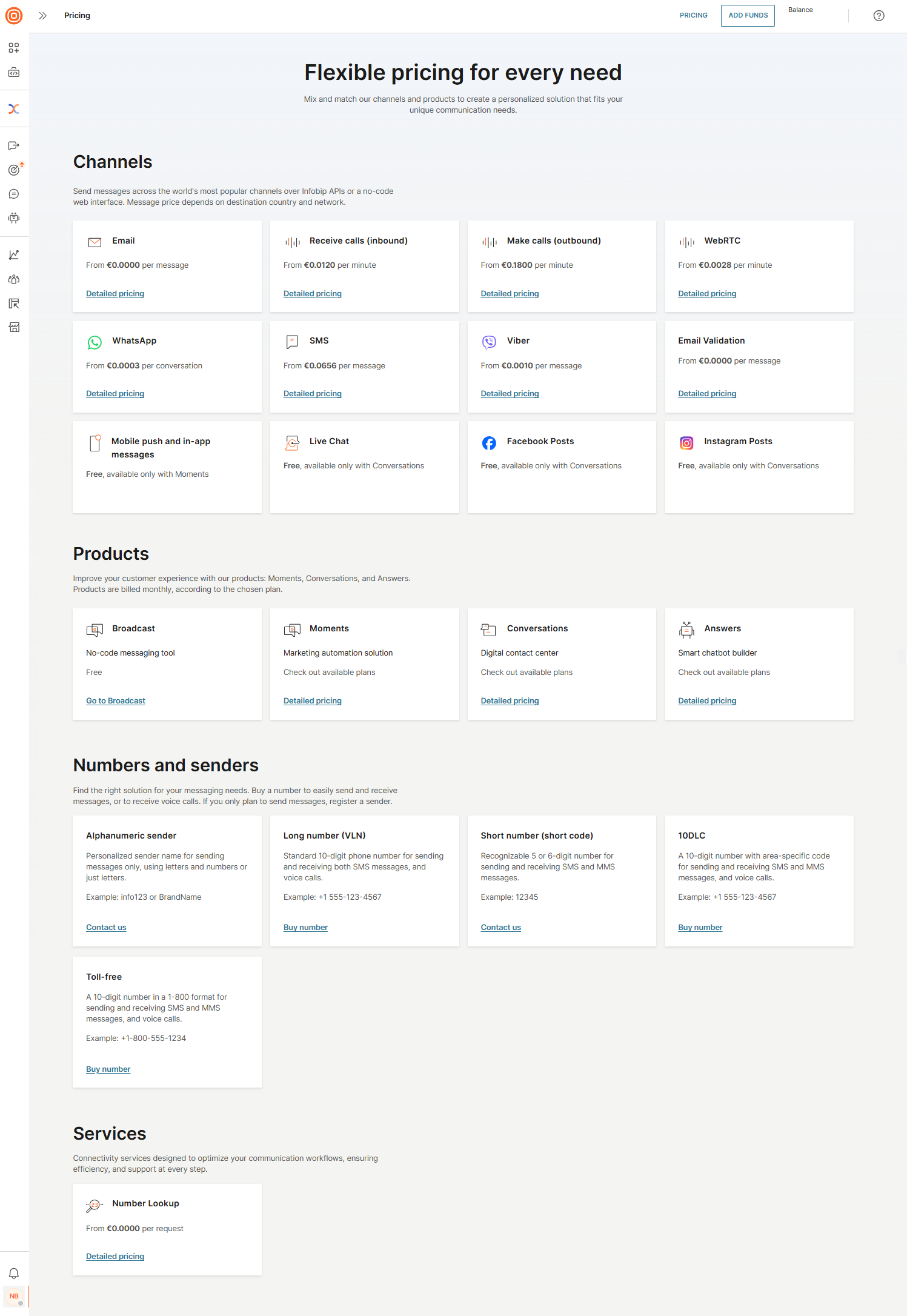
Selecting the Pricing button in the upper right corner will direct you to the Pricing page, where you can find details about all available channels, products, numbers, senders, and services. Here, you can combine our channels and products to create a solution tailored to your specific needs.
To view pricing for each channel, product, and service, select Detailed pricing. You can also purchase numbers or contact Infobip directly using the provided links.
Prices vary depending on the channel, destination country, and network.
Pricing plans for products
Explore the Infobip AgentOS suite, including Inbox, Automation Studio, AI Agents, Customer Profiles, and Insights and Analytics.
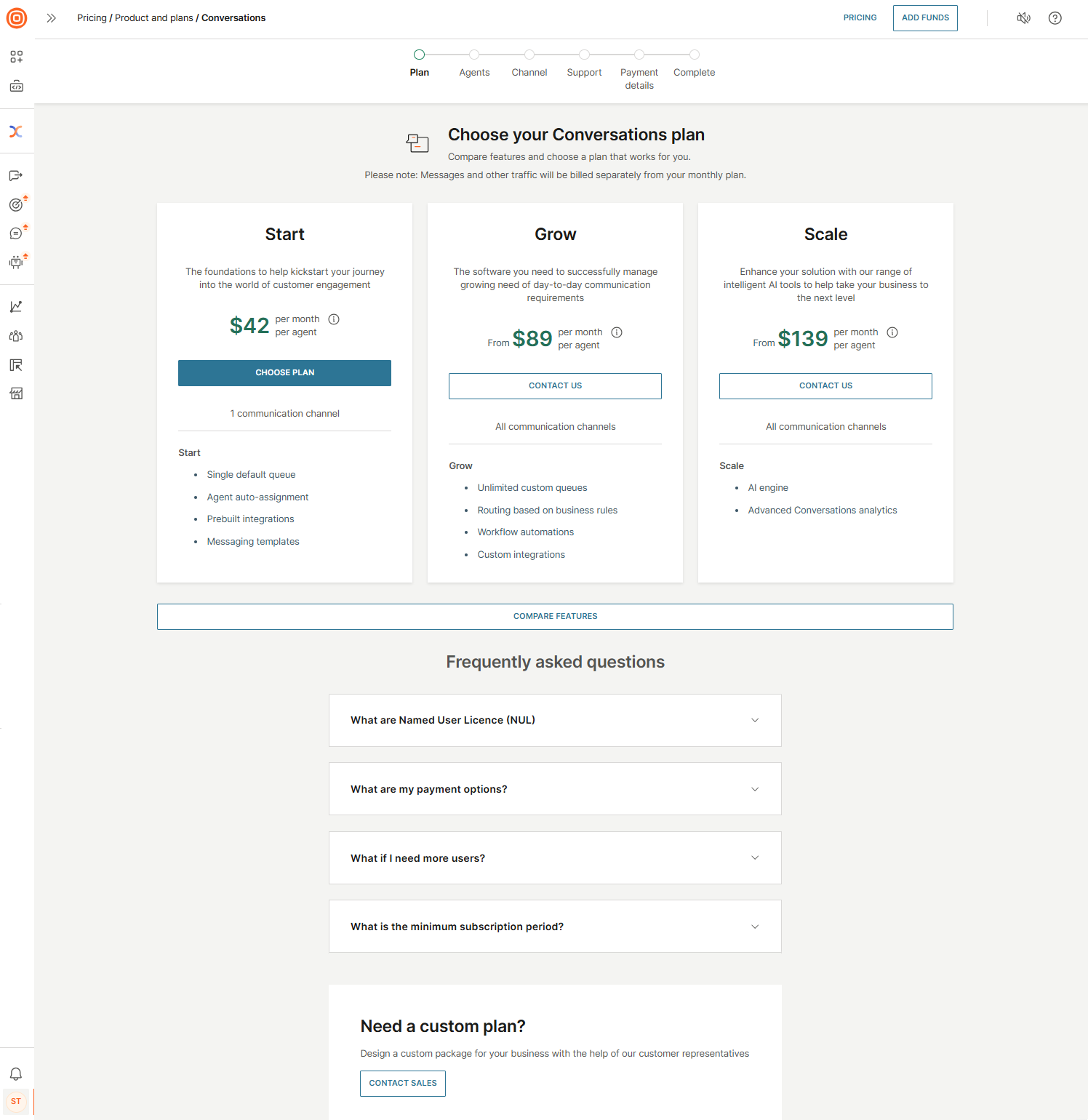
We offer three flexible pricing plans:
- Start
- Grow
- Scale
These plans allow you to select the best fit for your needs.
Select Pricing and go to the Products section. Choose the product you want to purchase and select Detailed pricing. An overview page opens where you can explore channel-specific features and review the details of each plan.
You can also select Compare Features to access a detailed comparison of the plans, and refer to the FAQ section for more information.
Purchase products [#products-purchase]
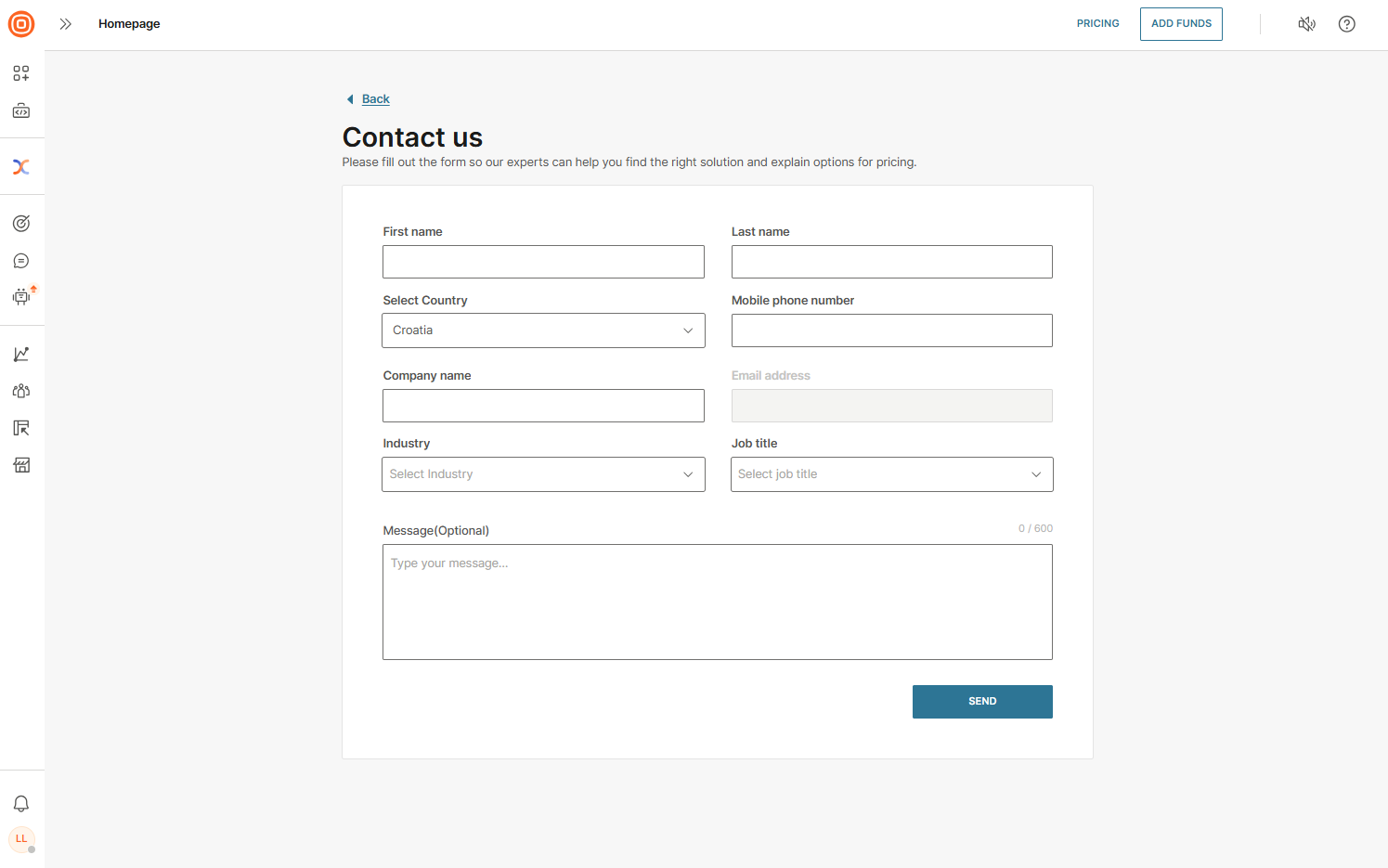
To purchase a product, select Contact us to access a form where Infobip experts can assist you in finding the best solution and provide pricing details.