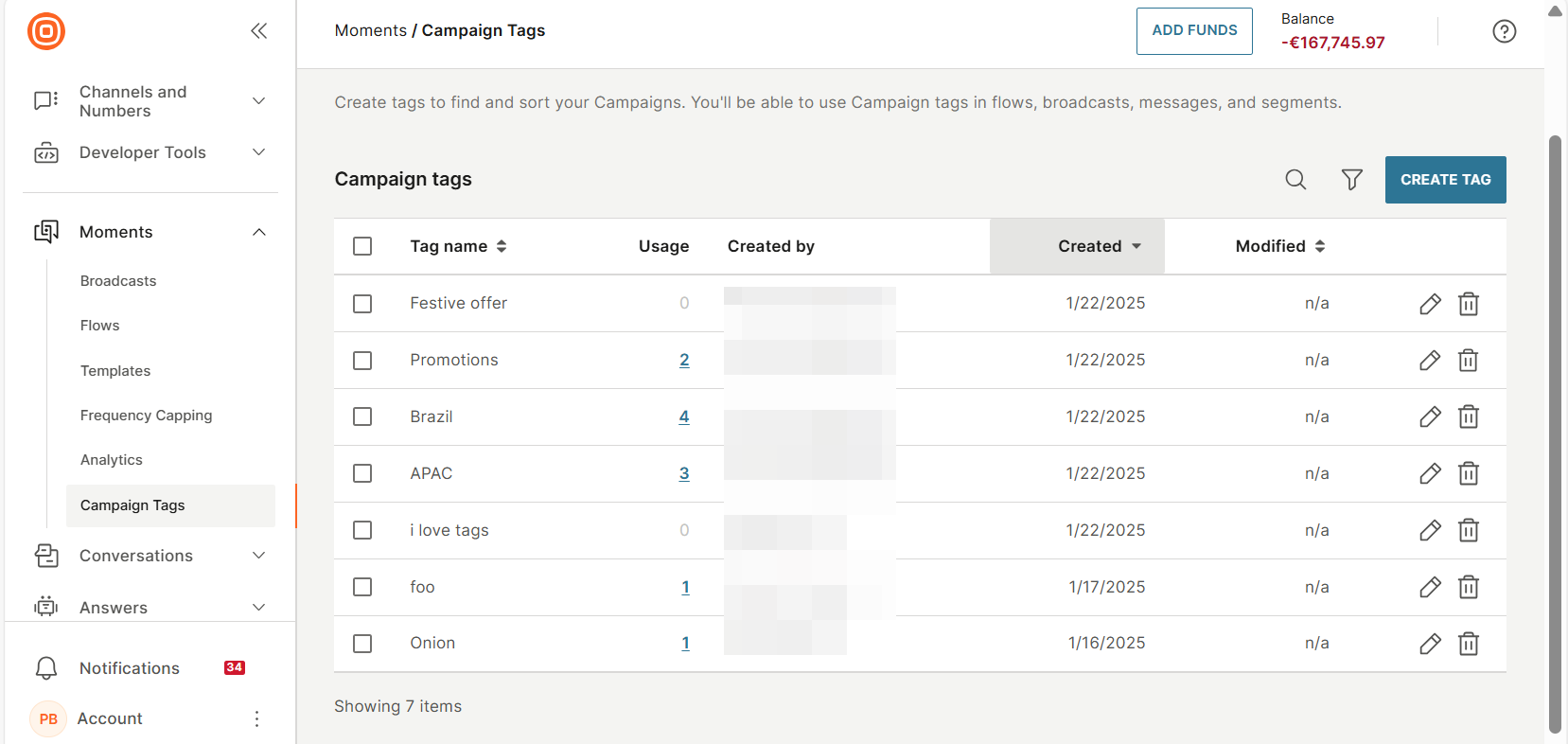
Campaign tags home page
To view and manage campaign tags, go to the Infobip web interface > Moments > Campaign tags.
On this page, you can do the following.
-
View a list of campaign tags. Each campaign tag shows the following information.
- Tag name: Name of the campaign tag.
- Usage: The number of campaigns in which the campaign tag is used.
- Created by: Name of the campaign tag creator.
- Created: Date the tag was created.
- Modified: Date the tag was last modified.
-
Search for a campaign tag. Use the search box.
-
Sort the campaign tags. Select the required column header.
-
Create a campaign tag.
-
Rename a campaign tag.
-
Delete campaign tags.
-
Identify the products in which a campaign tag is used.
Was this page helpful?