Organize articles with categories and folders
Before you start creating new articles, plan your Knowledge Base structure. Ensure content is well-written with relevant information, easy to search, and properly tagged. Regularly update your knowledge base to maintain accuracy.
Create categories and folders
For content structuring, you can use categories, folders, and subfolders. You must have at least one category.
- Log in to the web interface and go to Knowledge Base.
- For the initial configuration, define the content structure under the Knowledge Base tab.
- To add a new category, hover over the folder and select + next to the category. You can add new folders and subfolders.
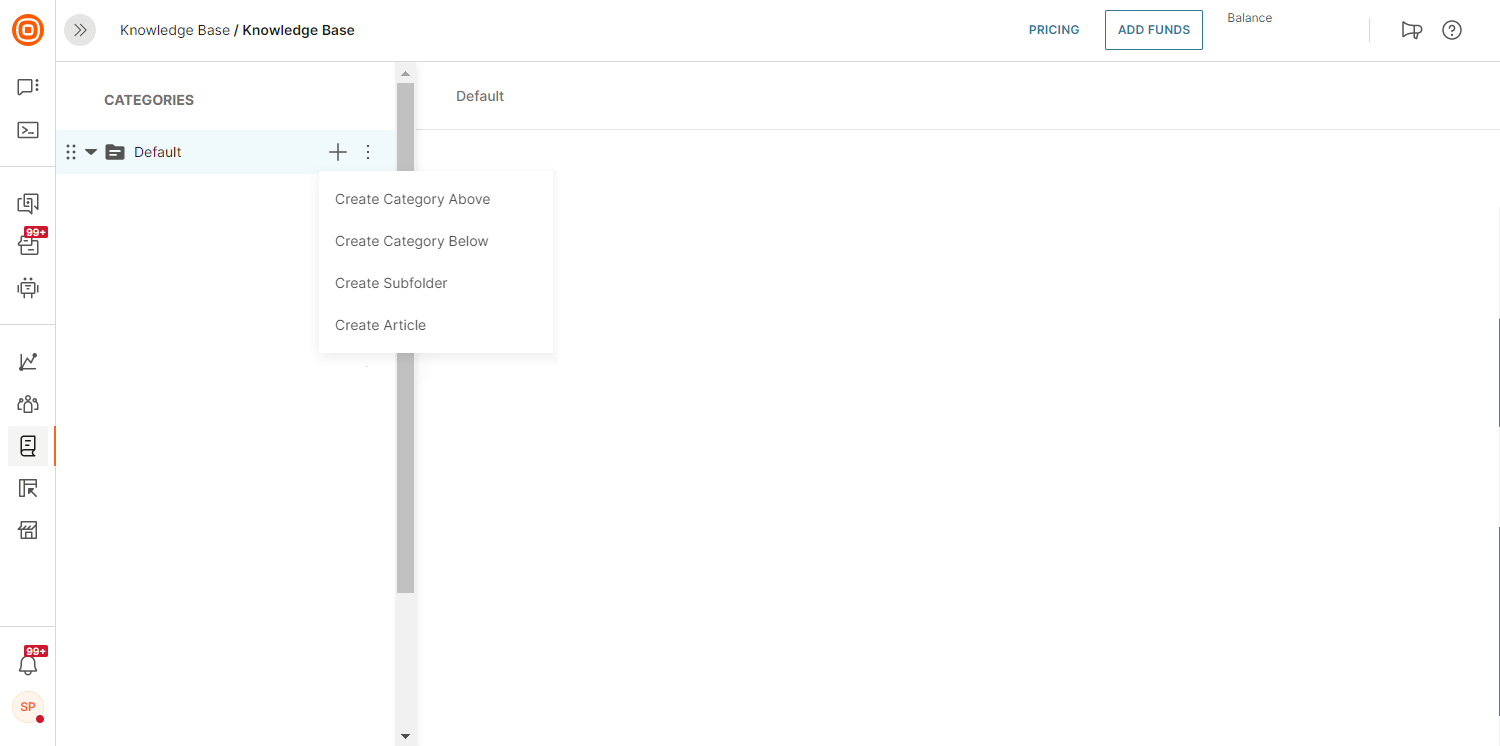
- Once you are satisfied with the content structure, start adding articles. Category and folder names are filled out automatically. You can rename them later.
Drag and drop
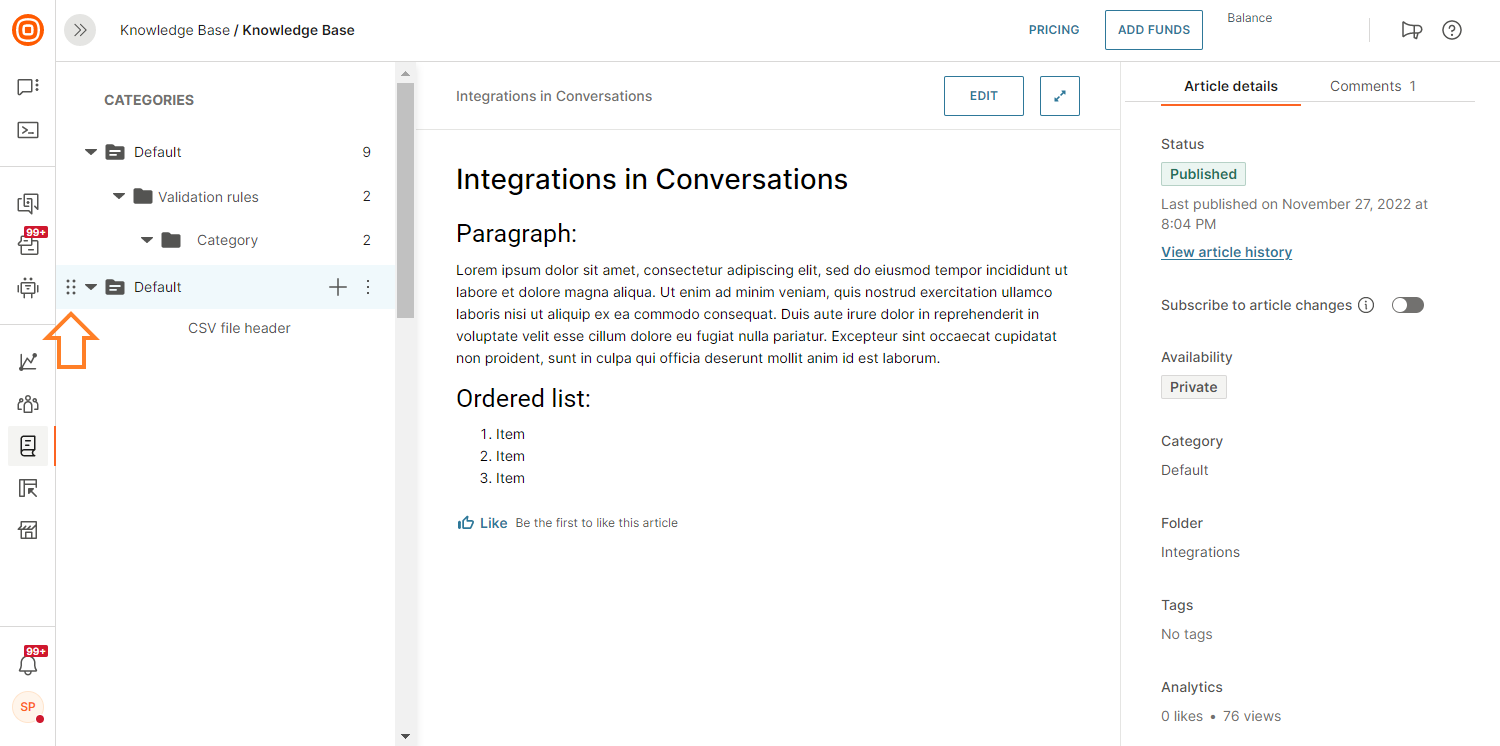
Use drag and drop to organize your content inside the Knowledge Base. This option allows you to order your categories, folders, and articles.
Drag the content piece and drop it at its destination.
Was this page helpful?