Dashboard
The dashboard is where you manage all your landing pages. Access pages, review metrics, and create new ones from here. Pages are listed chronologically, with the most recently created first.
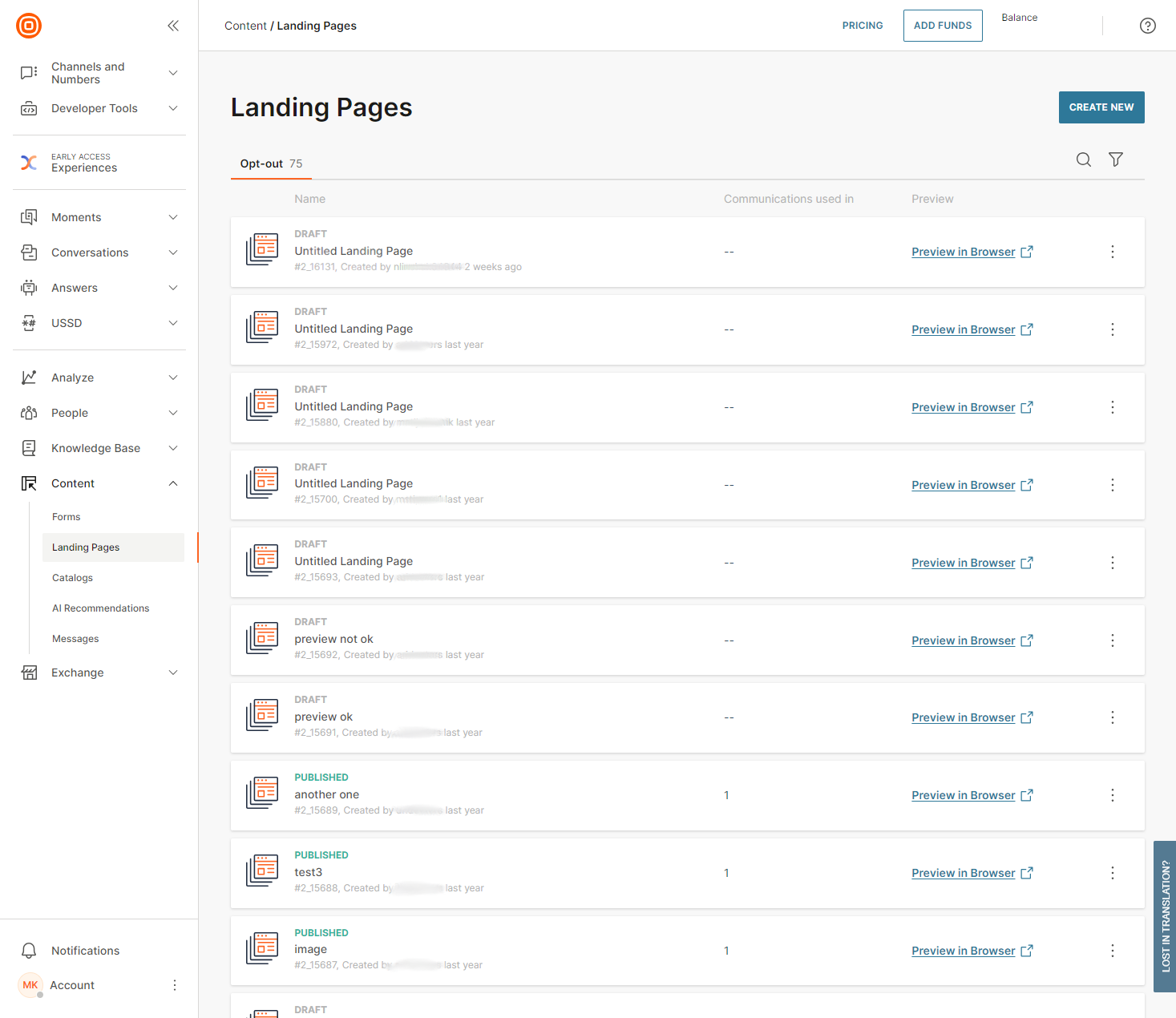
Statuses appear above the page name and show whether a page is live or not. Usage metrics show how many times the page is actively used in your communications.
Use Preview to open the live page in your browser. This is what customers see, and you cannot edit it from here.
Use the actions toggle to edit a landing page.
Was this page helpful?