TikTok message types
TikTok Business Messaging supports a limited set of message types that you can use to communicate with users after they initiate a conversation with your business.
This page describes the supported message types and highlights important limitations and considerations for each type. For instructions on how to send messages, see Send and receive TikTok messages with Infobip.
Supported TikTok message types [#supported-tiktok-message-types]
Make sure all message content complies with TikTok Community Guidelines ↗.
You can send and receive the following message types on the TikTok Business Messaging channel:
- Text messages
- Image messages
- Share post messages
All messages are exchanged in one-to-one conversations between a TikTok user and a TikTok Business Account.
Text messages [#text-supported-tiktok-message-types]
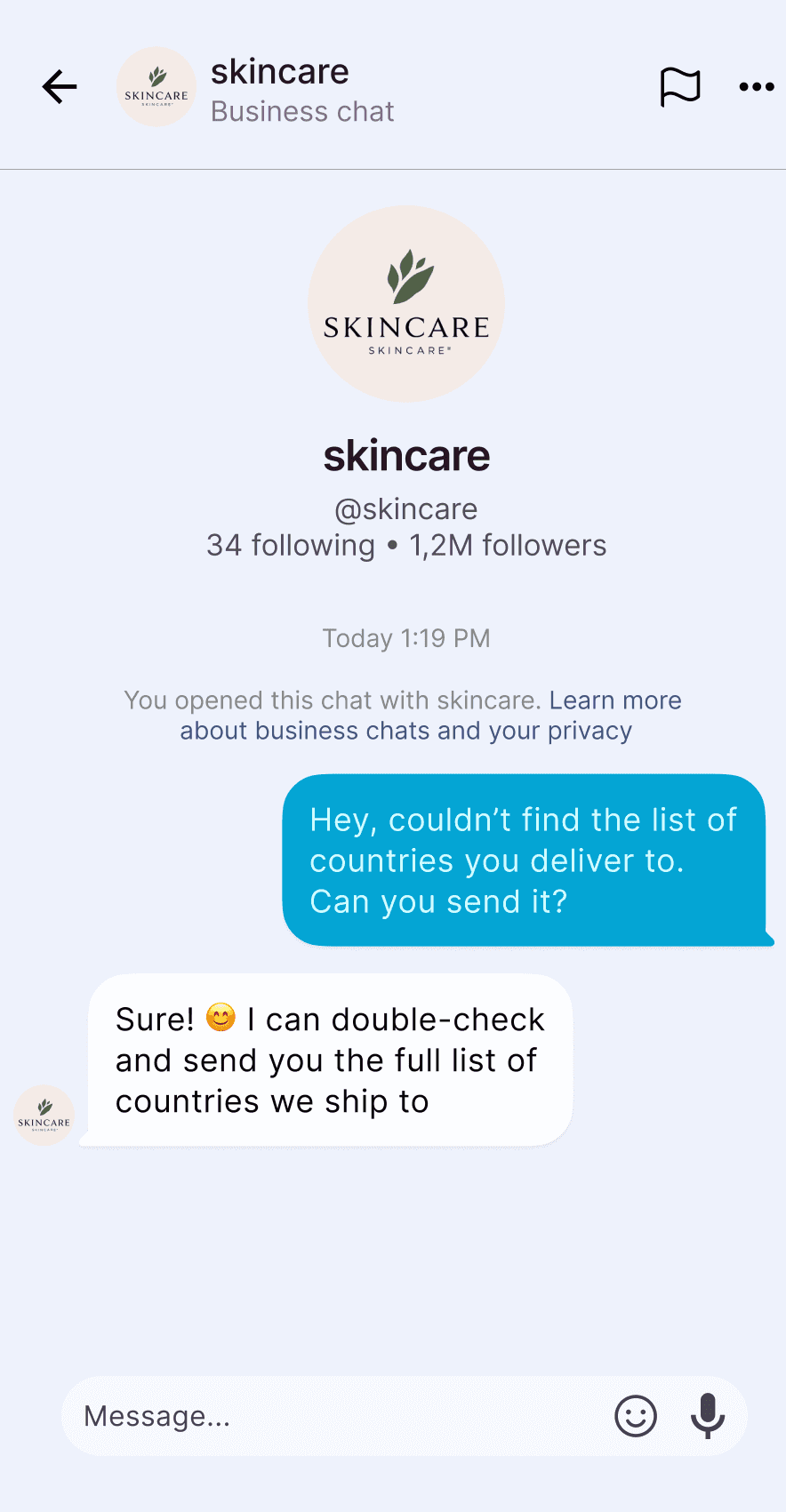
Text messages are plain text messages exchanged between your business and a TikTok user.
Use text messages to:
- Reply to user inquiries
- Provide customer support information
- Continue conversational interactions
Specifications [#specifications-text]
- Text messages can only be sent after a user initiates the conversation
- The message text can contain up to 6000 characters
Image messages [#image-supported-tiktok-message-types]
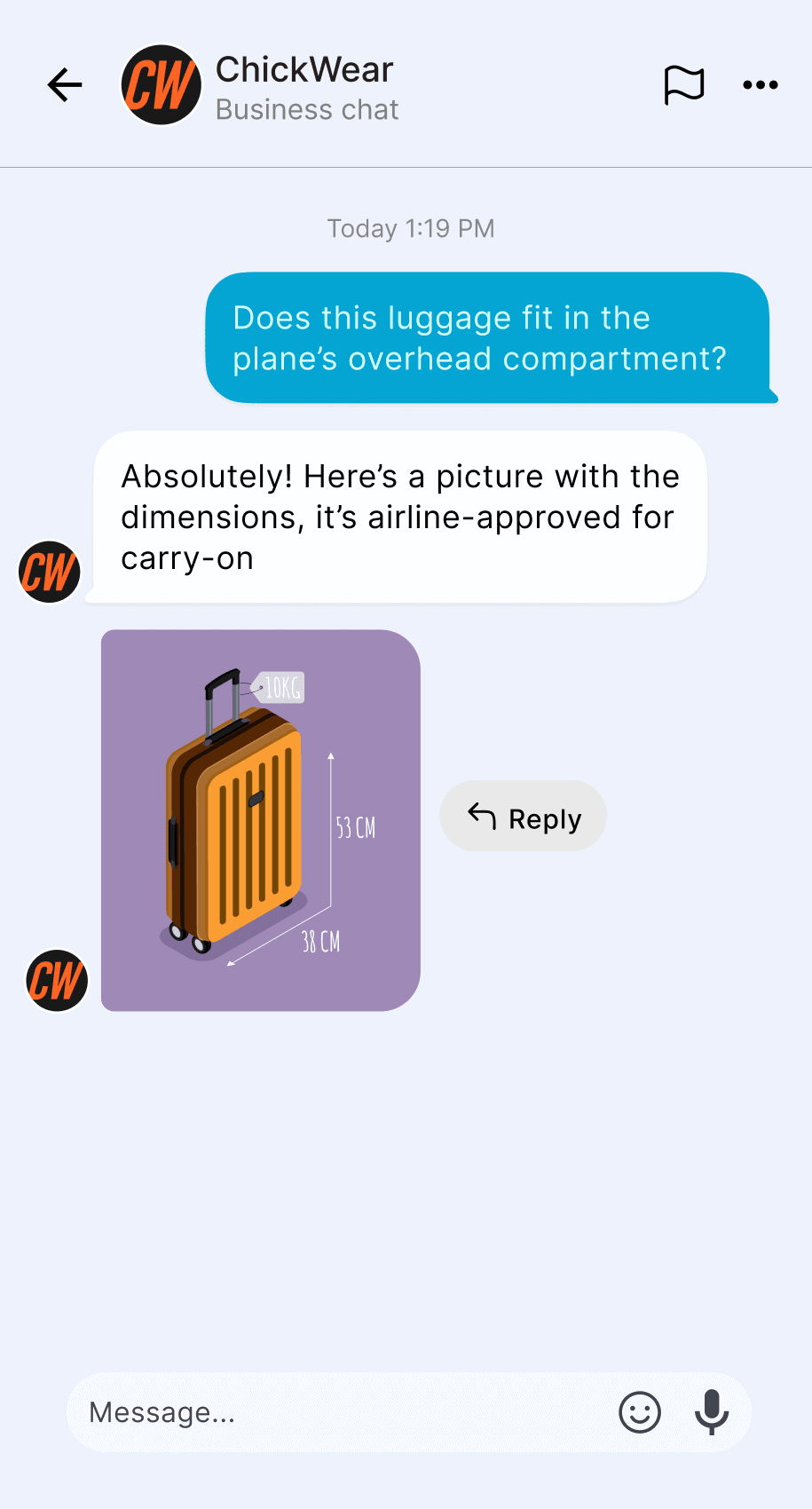
Image messages allow you to send an image to a TikTok user as part of an active conversation.
Use image messages to:
- Share product or promotional images
- Provide visual instructions or examples
- Support conversations with visual context
Specifications [#specifications-image]
- Images must be hosted at a publicly accessible URL
- Supported image formats are JPG and PNG
- The maximum image size is 3 MB
- The image URL must use HTTP or HTTPS
Share post messages [#share-post-supported-tiktok-message-types]
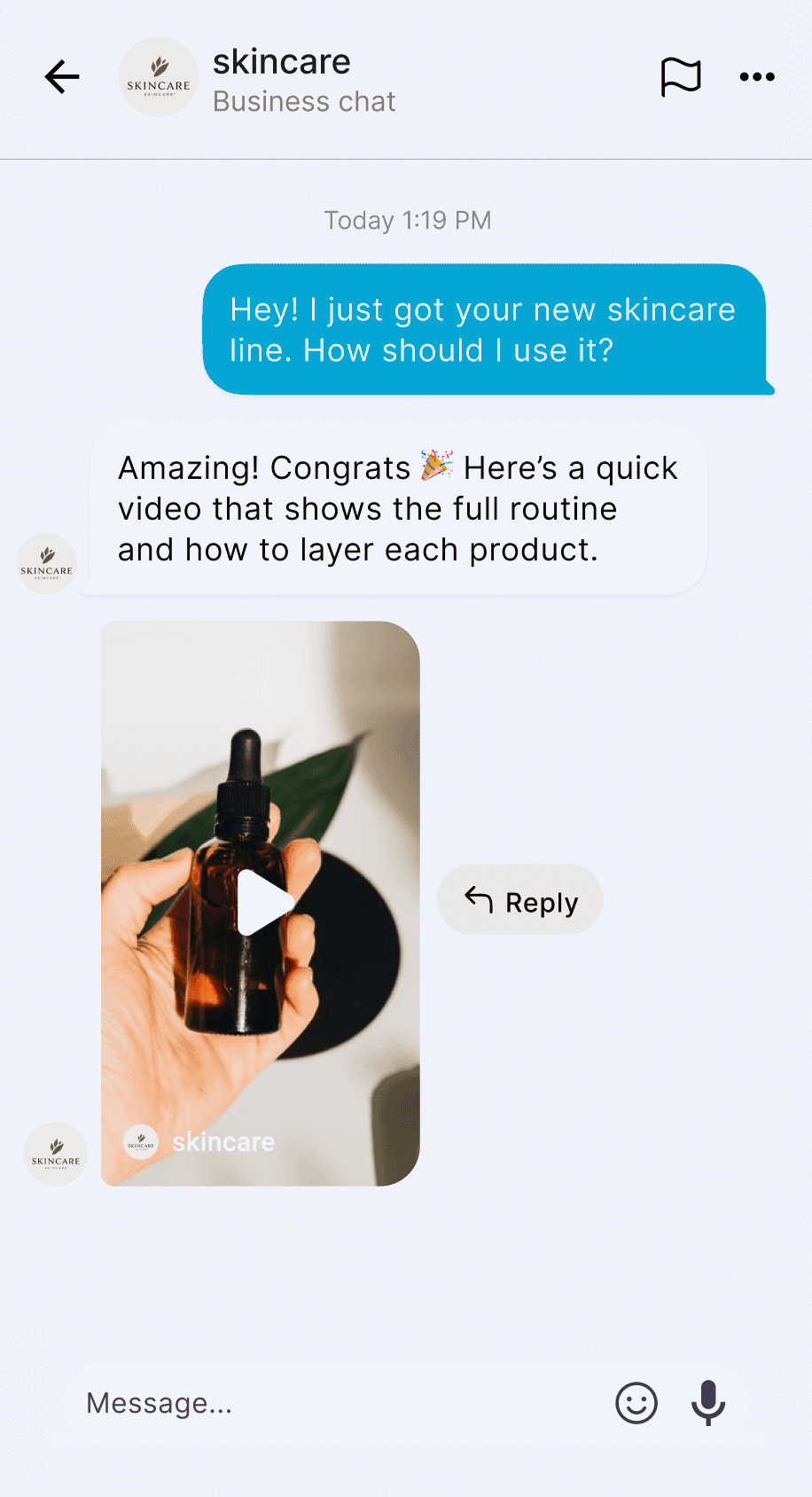
Share post messages allow you to share an existing TikTok post with a user.
Use share post messages to:
- Reference existing TikTok content
- Continue conversations related to published posts
- Share relevant videos during customer interactions
Specifications [#specifications-share-post]
- You must provide a valid TikTok post ID
- The shared post must be accessible to the recipient
- Share post messages can only be sent within an active conversation
Message availability, validity, and deliverability [#message-availability-validity-and-deliverability]
TikTok message types are subject to the following rules:
- Conversations must be initiated by the user
- Only supported message types can be sent
- Messaging availability depends on TikTok policies ↗ and regional restrictions
Outbound TikTok messages have a limited validity period:
- Messages that are not delivered within the supported validity window are not sent
- Validity periods longer than 48 hours are not supported
Send and receive TikTok messages
Send your first message or set up inbound handling.
Delivery and seen reports
Track message delivery and user interaction.