Create a widget
Create a Live Chat widget and find it in the widget list. The widget configuration defines how your widget looks and works, and sets its security options. For each setting in the configuration, see Widget settings.
Create a widget [#create-a-widget]
Each Live Chat configuration can support both website and mobile in-app widgets. You can create multiple configurations for different purposes and link them to different domains or mobile app profiles.
For example, you can:
- Create separate configurations for testing and production, each linked to the appropriate domains and mobile app profiles.
- Create separate production configurations for your website and mobile app.
Every widget is an entity that associates conversations with customers. Use routing to send these conversations to an agent queue.
To create a widget:
- Go to Channels and Numbers → Channels → Live Chat.
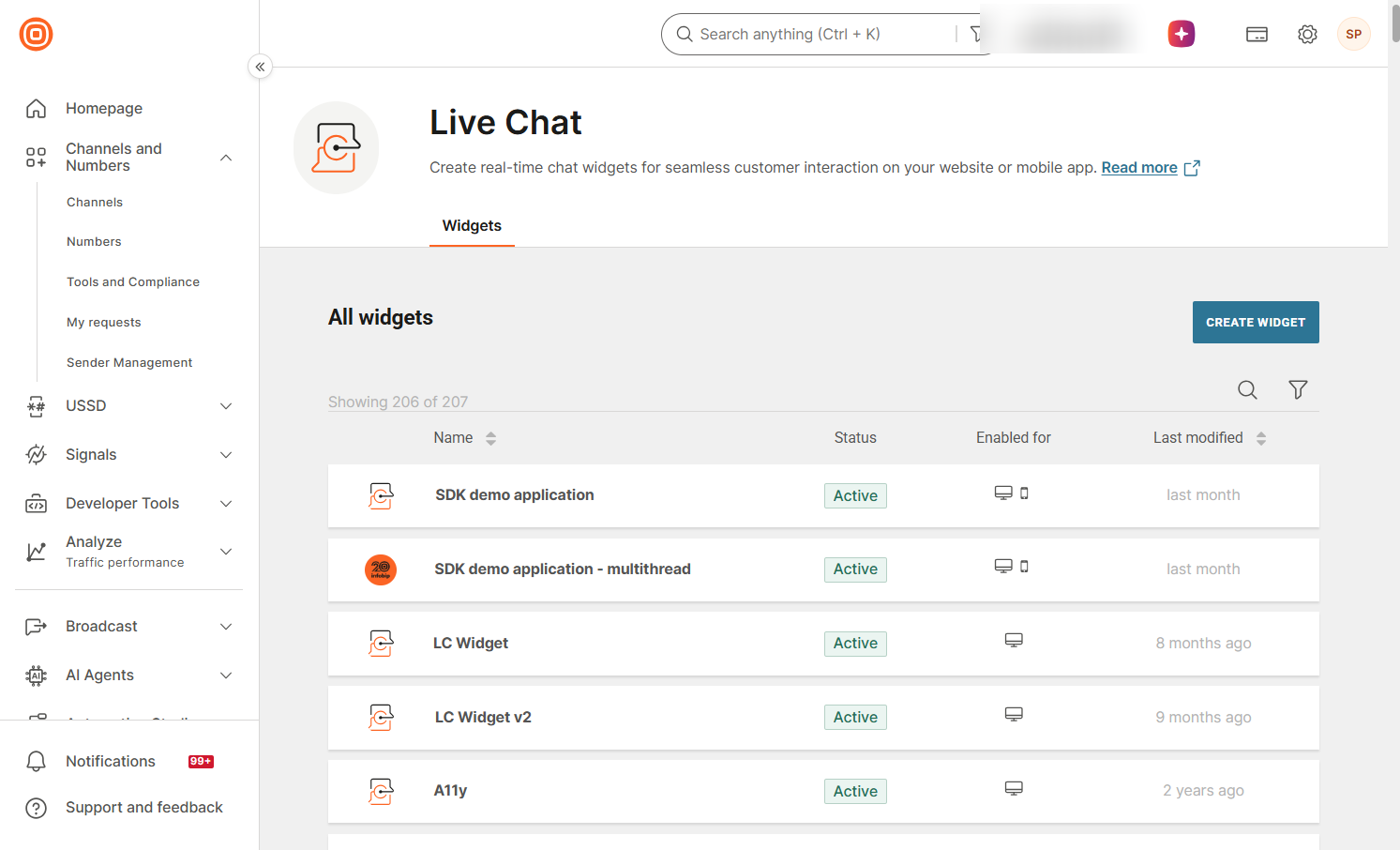
- Select Create widget.
- Enter the widget name in the field at the top of the configuration (Enter a name). This field is required.
- Optional: To let users have several chats at the same time, turn on Multiple threads. You can set this option only when you create the widget.
- Configure the other general settings.
- Select Create widget.
All widget styling is available on your website automatically after you create the widget. When you change the widget later, select Save widget to apply the changes.
Filter widgets [#filter-widgets]
If you have many widgets, filter the widget list to find the widgets you need. Filter by the following parameters:
- Status: Each widget configuration can be Active or Inactive.
- Type: You can associate each widget configuration with mobile applications, websites, or both.
Install the web widget
Add the widget snippet to your website.
Set up mobile in-app chat
Connect the widget to your mobile application.
General settings
Set the widget display, threads, calls, and language.
Was this page helpful?