Send email over HTTP API
The HTTP API is the recommended method for sending emails programmatically. It provides a REST interface with flexible JSON or multipart payloads (depending on API version), making it suitable for most integrations.
To send emails using Infobip over HTTP, follow the steps below. Each step applies regardless of the API version you choose:
- Choose the appropriate Email API endpoint version.
- Get your Base URL.
- Set up authorization.
- Build and send the HTTP request (URL, headers, body).
Refer to the video and sections below for more details on each step.
Choose the Email API endpoint
Infobip provides two APIs for sending email:
Email API v3 [#email-api-v3-choose-email-api-endpoint]
- Content type: multipart/form-data
- Use when you need to send fully featured emails, including attachments and advanced options.
For more details, see the Send fully featured email API endpoint.
Email API v4 [#email-api-v4-choose-email-api-endpoint]
- Content type: application/json
- Use when you prefer a JSON-based request structure or use templates and more modern payloads.
For more details, see the Send email messages API endpoint.
Get your Base URL
Your Infobip account includes a unique Base URL that you must use in every API request.
Example:
https://{base_url}/email/3/send
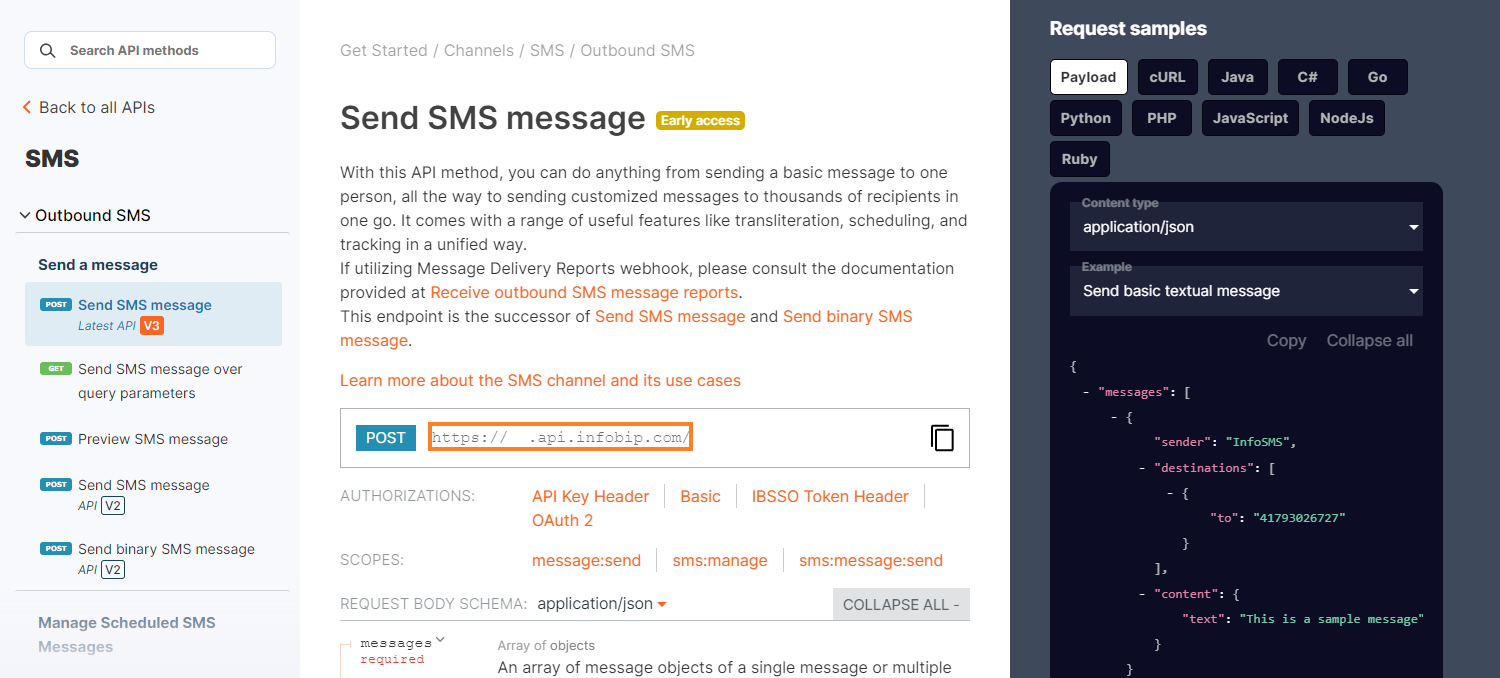
To see your base URL, log in to the Infobip API Resource hub with your Infobip credentials. Once logged in, on all pages you should see your base URL in this format: xxxxx.api.infobip.com

Set up authorization
All Email API requests require an authorization header. Infobip supports multiple authentication methods.
Your credentials or token must include at least one of the following scopes:
email:manageemail:message:sendmessage:send
For guidance on assigning scopes, see API scopes.
Build the HTTP request
When constructing your HTTP request, include the following components:
- API URL: Combine your Base URL with the chosen endpoint. For example:
https://{base_url}/email/3/send - Authorization: Include the
Authorizationheader using the authentication method you selected. Ensure that the credentials or token you use include the required scopes. - Content-type: Set the header according to the Email API version you are using:
- v3 →
multipart/form-data - v4 →
application/json
- v3 →
- Body: The request body consists of required and optional fields.
- Required fields typically include:
- Sender
- Recipient(s)
- Subject
- Email content
- Optional fields may include:
- Attachments
- Custom headers
- Tracking options
- Templates
- Personalization fields
- Additional metadata
- Required fields typically include:
Each endpoint’s documentation includes:
- A parameter list showing which fields are required and optional.
- An Examples section demonstrating how to construct the request body for various use cases.