Email storage and retrieval
This is a paid feature. If you are interested in using email storage and retrieval, contact Support or your dedicated account manager.
Email storage and retrieval enables you to store and access your email content efficiently. Manage archived emails, retrieve historical data, and maintain content retention policies to meet your business and compliance requirements.
Email content storage securely stores the complete content of successfully sent email messages, including:
- Email body (HTML and plain text)
- Inline images
- Attachments
- Headers and metadata
- The full .eml file, preserving the original structure and appearance of the email
Content storage applies to all sending methods (web interface and API). The pricing varies based on traffic volume, email size, retention period, and storage location (cloud or on-premise).
Storage options
Two storage options are available to meet different business needs:
- Passive email storage (archives): Long-term retention (from 1 to 10 years) for emails that are accessed occasionally, such as for disputes or compliance requirements.
- Active email storage (logs/reports): Short-term retention (3 months by default, extendable up to 3 years), intended for emails that are accessed daily through logs and reports.
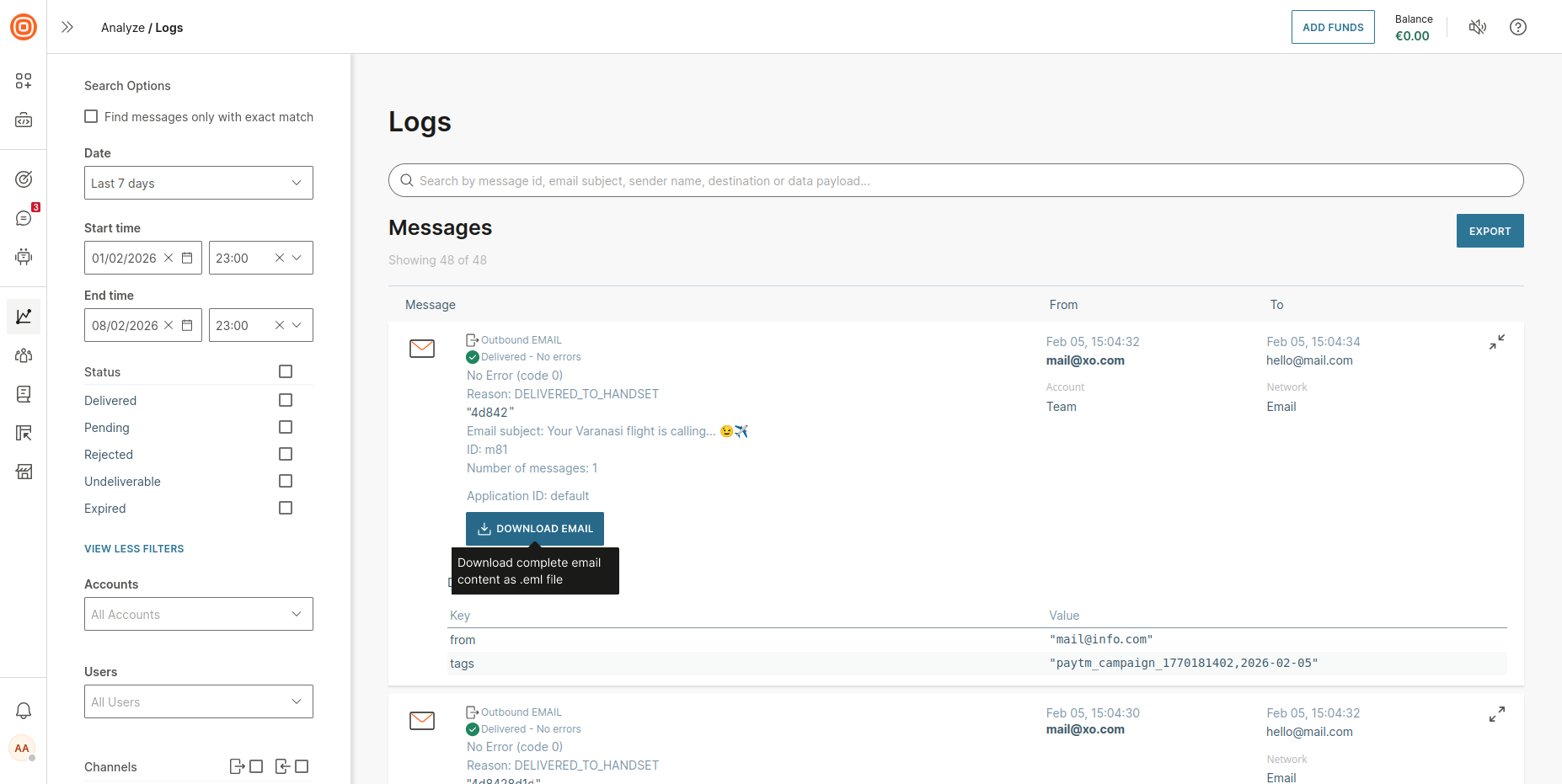
You can also download email content directly from Analyze.
.eml file download example [#eml-file-download-example-storage-options]
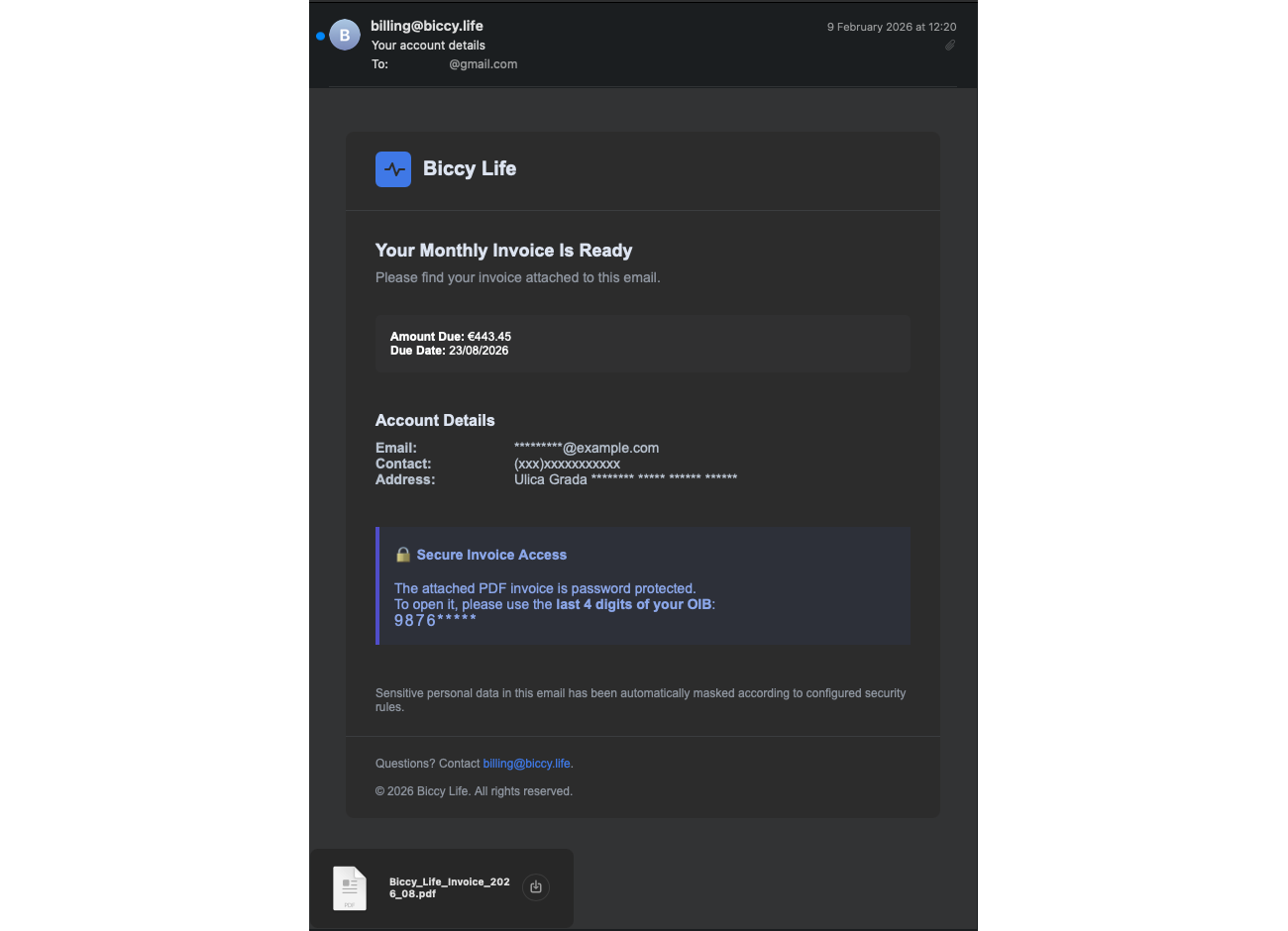
When you download an email, it is saved as a .eml file containing the full email, including headers, body content, and attachments, which you can open with any standard email client.
Example of a downloaded and opened .eml file
Email storage comparison
Both storage options can be used together, with active storage supporting operational needs and passive storage supporting long-term compliance. Refer to the table below to compare the storage options.
| Feature | Active email storage | Passive email storage |
|---|---|---|
| Retention | 3 months by default, up to 3 years | 1 - 10 years |
| Access method | Self-service through the web interface | Support request through email |
| Retrieval time | Immediate | Up to 48 hours from active handling by the responsible team |
| Compliance and audit use | ✅ (short-term) | ✅ (long-term) |
| Operational and support use | ✅ | ❌ |
Was this page helpful?