Email deliverability center
The Email deliverability center is a dedicated monitoring hub in Analyze that gives you full visibility into your email sending performance, sender reputation, and domain health in one place. Use it to identify issues early and take corrective action before they affect your campaigns.
To access the Email deliverability center:
- Log in to your Infobip account.
- Go to Analyze → Email deliverability center.
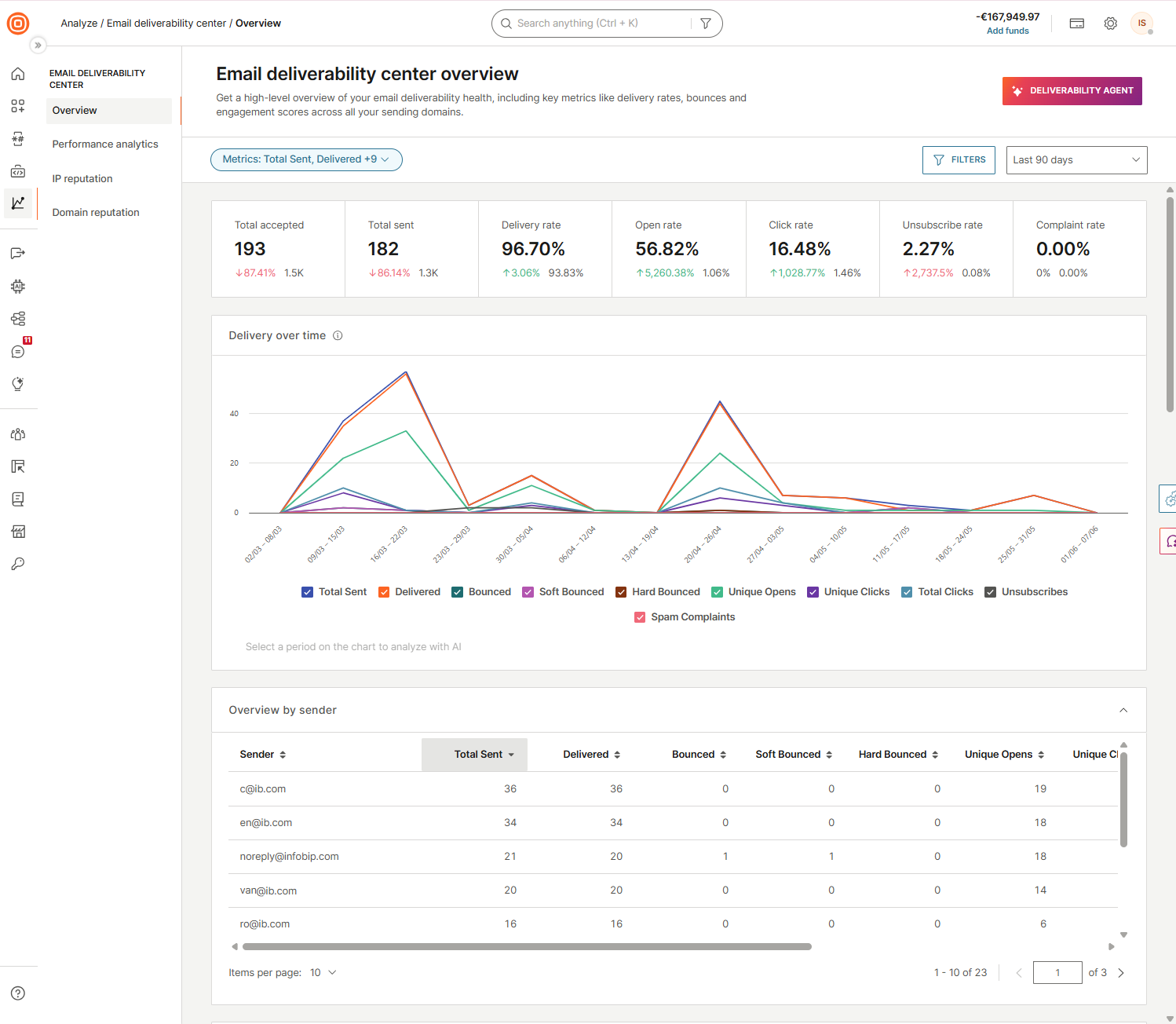
What's in the Email deliverability center
The center is organized into four sections, each focused on a different aspect of deliverability health.
Overview
High-level summary of deliverability health. Key metrics, trend charts, and breakdowns by sender, domain, IP, provider, error code, and campaign.
Performance analytics
Free-form data exploration. Slice and group your sending data across any combination of dimensions and time periods.
IP reputation
Sending IP reputation from Google Postmaster Tools, Microsoft, and Sender Score. Blocklist and spam trap monitoring per IP.
Domain reputation
Sender domain reputation, SPF, DKIM, and DMARC authentication status, blocklist checks, and spam trap hits per domain.
The center also includes the Deliverability agent, available on every page. Ask questions about your sending data, diagnose reputation issues, and get actionable recommendations. You can also upload your email HTML for a content analysis.
For a deeper view of your email performance including IP reputation, domain health, blocklist status, and spam trap data, see the Email deliverability center.