



Live video support: Why you need it and how to get started
Live video support helps you resolve complex customer queries faster. Learn the benefits of video customer service and how to add it with Infobip AgentOS.

Brands are constantly looking for new and innovative ways to improve their customer support and keep up with growing demands. When 97% of consumers worldwide say that customer service is very important in their choice of brand, it’s obvious why businesses are looking for alternatives to boost their support capabilities.
But maybe brands don’t have to look all that far to inspire changes to their customer service.
Picture this:
Your grandma texts you that her favorite show is starting but she can’t get her TV to work.
Should you continue the conversation over text and spend loads of time trying to figure out what the issue is?
Or hop on a video call so she can show you what’s happening, and you can direct her on how to fix the issue?
Given the chance, you’ll more than likely video call her to quickly figure out and resolve the issue so she doesn’t miss her show and you retain your place as the favorite grandchild. The same applies to businesses and their customers.
Businesses know too well that complex issues aren’t easy to resolve over a text-based conversation, that’s where face-to-face interactions, like video support, come in.
Although, when you think of adding video to your communication mix, high costs, difficult implementation, extensive APIs and tons of in-house knowledge might come to mind.
Fortunately, you can eliminate the time-consuming back-and-forth of text-based conversations and add video to your support services without the hassle of heavy engineering with a solution like Infobip Call Link: built natively into AgentOS, Infobip’s agentic customer experience platform.
Let’s break down everything you should know about face-to-face engagement and how Call Link video support can help you easily elevate your customer service.
What is live video support?
Live video support is a way to provide real-time assistance to customers through a video chat session. It connects customers with a representative or agent via a live video to have a face-to-face conversation on their mobile or desktop device.
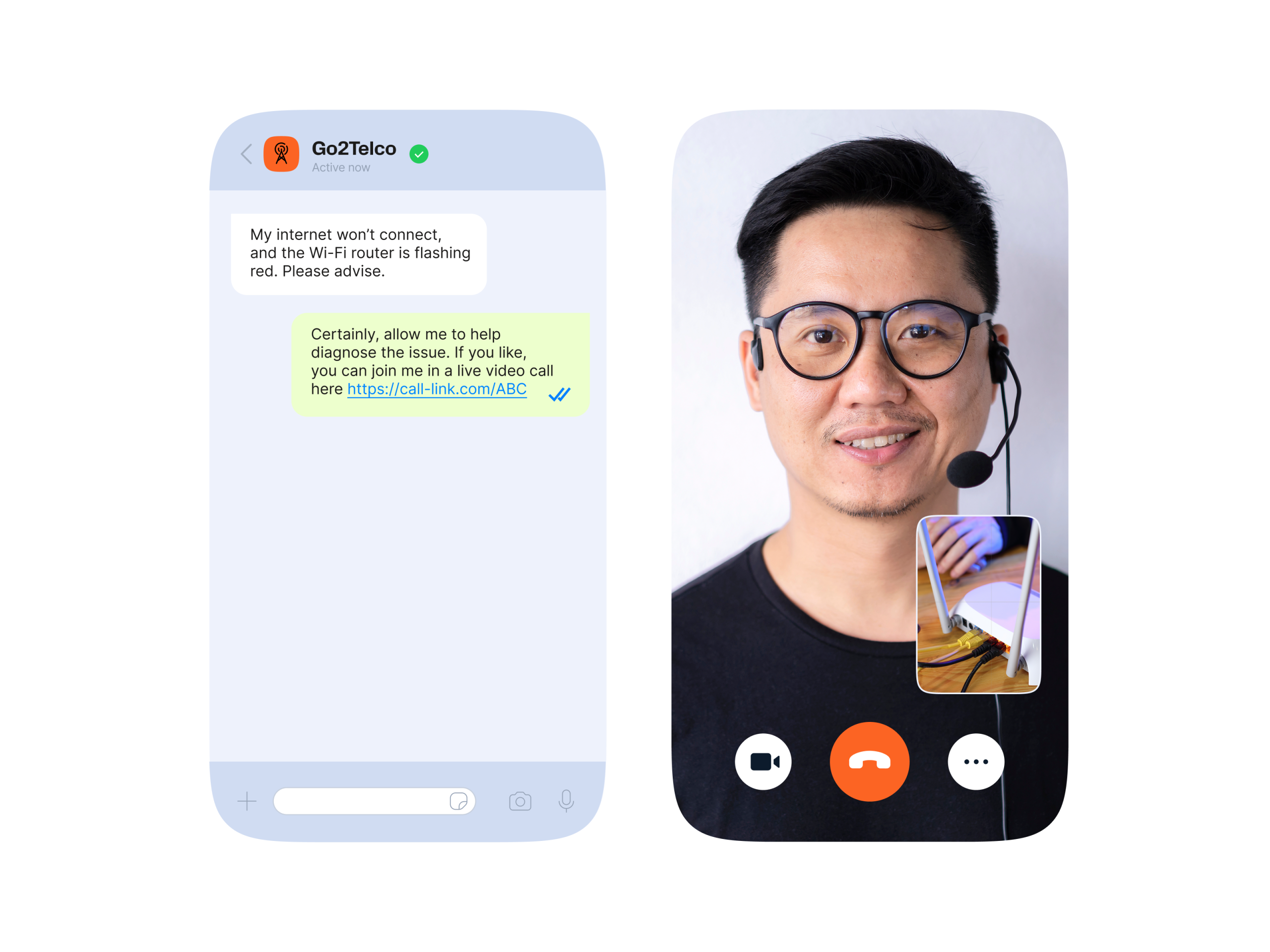
This type of support is especially useful for complex issues that require visual aids or hands-on guidance, such as setting up new electronics or troubleshooting a technical issue with your router.
35% of customers expect agents to resolve their issues in one conversation. Video call support offers customers exactly what they’re looking for — a faster and convenient way to resolve their complicated queries.
What is Call Link?
Call Link makes engaging over video easier than ever. When an agent determines that the task at hand is too complicated to resolve over a text-based conversation, they can simply generate a secure, unique URL that opens a customized and branded browser. They can then engage over a video or voice call to speed up query resolution.
Call Link runs as part of the cloud contact center module in AgentOS, so agents can trigger a video call without leaving the same workspace where they already handle chat, voice, and every other channel — with full customer context carried over automatically.
Why use video chat for customer service?
Video chat for customer service goes a long way in helping your business stand out with high-quality, contextualized support. Imagine you could solve queries faster, retain high customer satisfaction scores, and become easily accessible to your end-users. It would be a no-brainer to adopt a solution that could help you get there.
Customers want an unobtrusive and simple way to get support, especially in complicated scenarios where they might be feeling frustrated. Quickly addressing these frustrations and fixing the issue leads to happier customers that are easier to retain.
81% of customers state they would repurchase from brands they had positive experiences with.
Face-to-face engagement can help speed up technical support, product demonstrations, troubleshooting, and live issue diagnosis to keep up with your customers’ expectations.
What the data says: video is becoming core to customer experience
Infobip’s Messaging Trends 2026 report, based on 628 billion mobile channel interactions from 2025, confirms this shift. As customers push for support that feels authentic and immediate, more brands are folding voice and video into the customer journey to make interactions faster, more human, and more immersive.
The report points to video specifically as a growing pillar of digital customer service; used for face-to-face support, product demos, and guided assistance that build trust and cut down on friction. Text can only go so far; real-time video adds a layer of clarity and human connection that chat and messaging alone can’t replicate.
Benefits of live video support
1. Faster query resolution
Video call support helps streamline complex queries and gets customers the answers they are looking for faster.
If a customer gets the blue screen of death on their laptop, or their car dashboard is flashing weird symbols they don’t understand, they’re probably going to have a hard time explaining their issue over text. Any fear or uncertainty around issues being resolved is alleviated when customers can get face-to-face support from an agent.
Visually demonstrating issues over video gives agents real-time contextual information and allows them to guide the customer to the solution faster than over other channels. Within AgentOS, that same context such as purchase history, past conversations and channel preferences surfaces automatically the moment the video call opens, so agents aren’t starting from zero.
2. Reduce wait times
Just one bad customer service experience is enough to lose a customer; meaning speeding up wait times to keep customers happy is a must for brands to s쳮d.
This proves to be true worldwide. In a Microsoft survey, customers from around the USA, UK, Brazil and Japan stated that getting their issues resolved quickly and on first contact are the most important aspects of satisfying customer service.
41%
Getting issue resolved quickly (global average)
26%
Getting issue resolved in one interaction (global average)
With contextualized video support, agents can diagnose issues faster and quickly offer solutions to customers, allowing them to successfully complete more tasks, lower the strain on their workload, and reduce wait times. Pairing Call Link with AI agents in AgentOS takes this further — routine queries can be triaged or resolved by AI before a human ever needs to jump on a call, so video is reserved for the cases that truly need it.
3. Increase satisfaction and trust
Sending URLs over various channels can sometimes look untrustworthy to customers and deter them from clicking the link. Call Link is designed to boost trust and reflect your brand’s unique identity with customizable URLs and personalized browsers that end-users recognize and immediately trust. There is no need to second guess the link and they can get their issues sorted quickly.
4. Reduce costs
Customer service can be expensive and strained resources can slow down issue resolution. Using video support means bypassing the need to dispatch agents, inspectors or technicians onsite for each issue, helping reduce emissions and travel expenditure by lessening the need for in-person visits.
Instead of sending a technician for at-home visits for every router or HVAC issue, agents can help customers resolve their problem over a quick video call and save your business time and money.
Which customer service channels support live video calls?
The beauty of Call Link is that it makes video and voice support available through any channel. Continue to use the channels your customers prefer and quickly generate a link to open a video call and continue the conversation face-to-face.
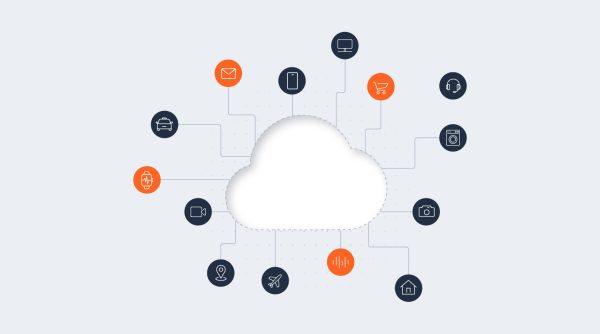
The link will open a browser on whichever device your customer uses. Meaning they can hop on a call with you while browsing your website on their desktop, or while chatting with you on mobile over a digital channel. Because AgentOS natively connects 15+ channels on the same infrastructure, there’s no extra integration work to make Call Link available wherever the conversation started.
Live video support use cases
Technical support
Using video calls for technical support allows agents to visually assess the problem and guide the user through troubleshooting steps, resulting in a quicker resolution and may eliminate the need for an in-person visit.
- Product setup assistance
- Technical telco issues such as router problems
- Utility issue resolution

Remote inspections
Agents can verify evidence and evaluate damages over video call. This helps speed up processes such as claim submissions and warranty fulfillments and helps relieve stressful situations for customers.
- Insurance claims
- Damaged products
- Evidence of delivery

Consultations
Video calls are ideal for conducting consultations or interviews and connecting customers with industry professionals quickly.
- Health consultations
- Financial meetings
- Coaching and education
Live walkthroughs
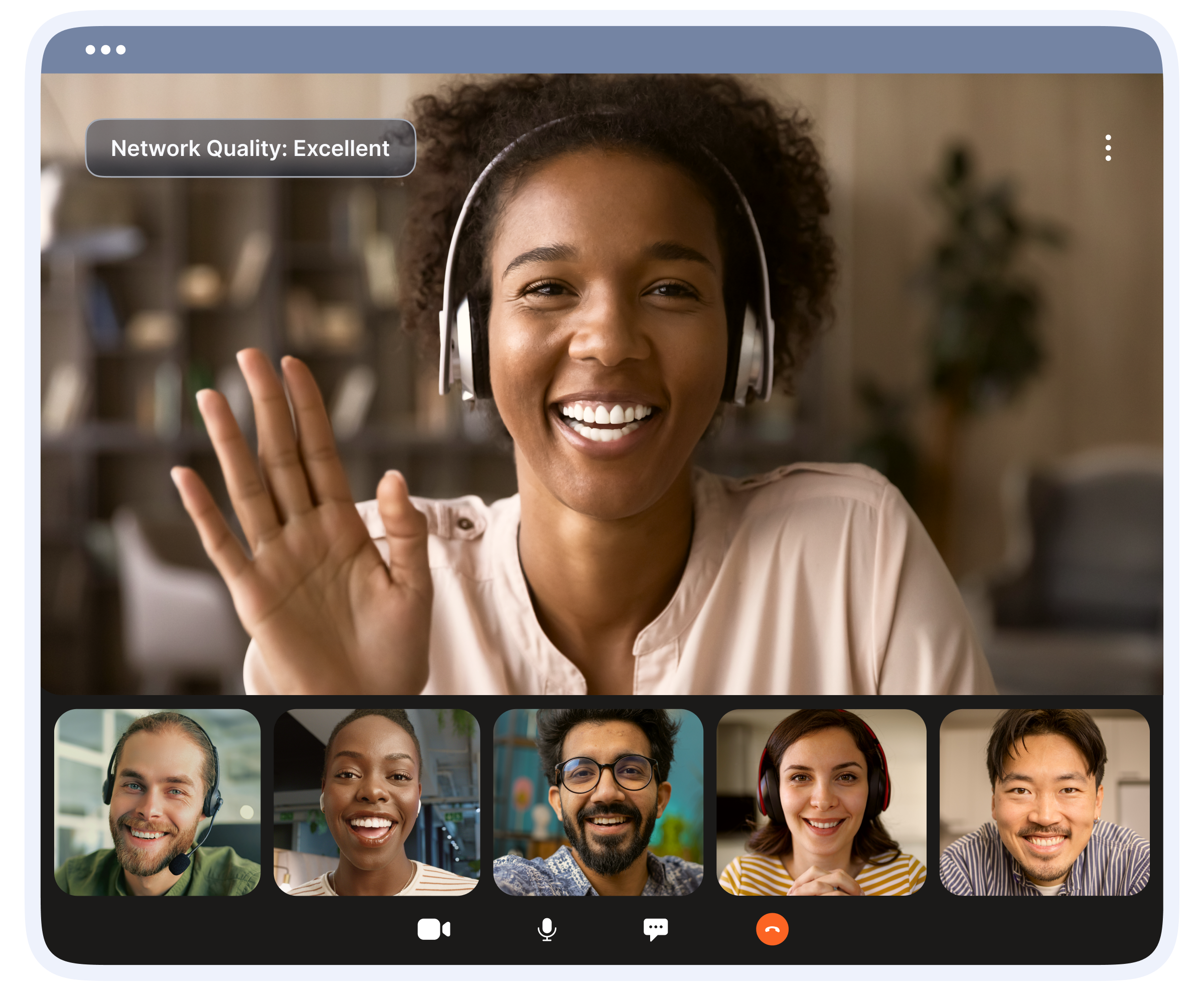
Using video calls for live walkthroughs offers convenience for busy customers who have a hard time adjusting their schedules for in-person meetings.
- Real-estate listings
- Venue viewings
- Onsite and field inspections

How to get started with live video support
Call Link video support is for any organization that uses a contact center solution to connect with customers. Add video to your support service and continue to use any range of channels without having to adjust your communication strategy.
It’s simple. There is no need for any camera or hardware setup on the agent’s end as you can set up one-way video calls, or audio calls and move chat app conversations to voice calls to speed up resolution time when necessary.
Adding Call Link to your customer service capabilities is available through:
Our team of experts will guide and support you through the seamless integration and setup of how to use Call Link so that you can provide face-to-face assistance and build stronger relationships with customers. Deliver satisfying support to retain customers with a cost-effective and engaging solution.
Live video support FAQs
No. With Call Link inside AgentOS, there’s no camera hardware, extra apps, or heavy engineering required. Agents generate a secure link from the same workspace they already use, and it opens directly in the customer’s browser.
Live video support is embedded directly into your existing customer service channels — WhatsApp, SMS, live chat, and more — so customers don’t need to download a separate app. A regular video call app requires both sides to install and set up the software in advance.
Yes. In AgentOS, AI agents and chatbots can handle routine queries first and only escalate to a live video call when a customer’s issue needs hands-on, human guidance — keeping video calls reserved for the cases that benefit most.
Not necessarily. You can enable Call Link through the AgentOS cloud contact center with no coding required, or integrate it into your own systems using the Call Link API for more custom setups.
Yes. Infobip’s Messaging Trends 2026 report found that brands are leaning further into voice and video to deliver faster, more human customer interactions, as text-only channels increasingly fall short of what customers expect from real-time support.