




Google Voice & RCS: What businesses need to know
Google Voice doesn’t support RCS. Learn why and explore how to use RCS for Business as a superior alternative for branded, interactive messaging.

Google has spent the last few years championing RCS (Rich Communication Services). Android users are already familiar with it, and it’s been launched on iOS 18.
Yet, many Google Voice users are left wondering: does Google Voice support RCS?
The short answer is no.
In this guide, we explain why Google Voice doesn’t work with RCS, what features you are missing out on, and how businesses can access true RCS capabilities through platforms like Infobip.
What is Google Voice?
Google Voice is a VoIP (Voice over Internet Protocol) service that gives you a virtual phone number. Unlike a standard mobile number, which is tied to a SIM card in your phone, a Google Voice number lives in the cloud.
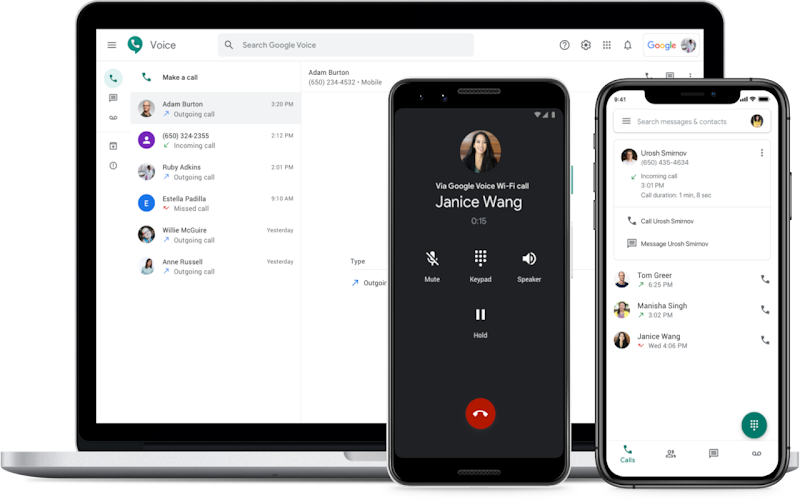
It was designed as a “universal number” to unify your communication. You can use it to:
- Forward calls to multiple devices (your mobile, your office phone, and your laptop) simultaneously.
- Make cheap international calls over Wi-Fi.
- Manage voicemail with automated transcriptions.
- Send text messages from your computer or phone.
Because it relies on the internet rather than a direct cellular connection, it has been a popular choice for freelancers, small businesses, and tech-savvy users who want a secondary number without paying for a second phone plan.
Why doesn’t Google Voice support RCS?
If you use Google Voice for your personal or business communication, you are limited to standard SMS and MMS protocols.
This applies even if the person you are messaging is using an RCS-enabled device (like a modern Android phone or an iPhone running iOS 18).
This is often confusing because Google has another app with a similar name: Google Messages. Here’s the difference:
- Google Messages is the default texting app on most Android phones. It communicates directly with carrier networks and fully supports the RCS protocol, with features like read receipts, and high-quality media.
- Google Voice is a separate, virtual service. When you send a text from Google Voice, you are using a completely different infrastructure that has not been upgraded to support the RCS standard.
The technical details
You might wonder: If Google Voice uses the internet (IP), why is it stuck with old-school SMS limits?
Think of Google Voice as a translator. When you type a message in the Google Voice app, it travels over the internet to Google’s servers.
However, to deliver that message to your contact (who might be on Verizon or T-Mobile), Google’s system essentially has to “downscale” your message.
It converts your digital message into a standard SMS packet so it can travel across the traditional public telephone network.
RCS requires a persistent, data-rich connection between two devices to handle features like “typing indicators” or “high-res video.” Because Google Voice acts as a bridge that converts everything into SMS for delivery, that smart data connection is broken. The system simply cannot transmit the advanced data required for RCS through that legacy SMS pipeline.
Google Voice vs. RCS for Business
If you are a freelancer or a small business owner, the distinction between these two tools is critical. Google Voice is a tool for calling. RCS for Business is a tool for rich customer engagement, creative marketing, and timely support.
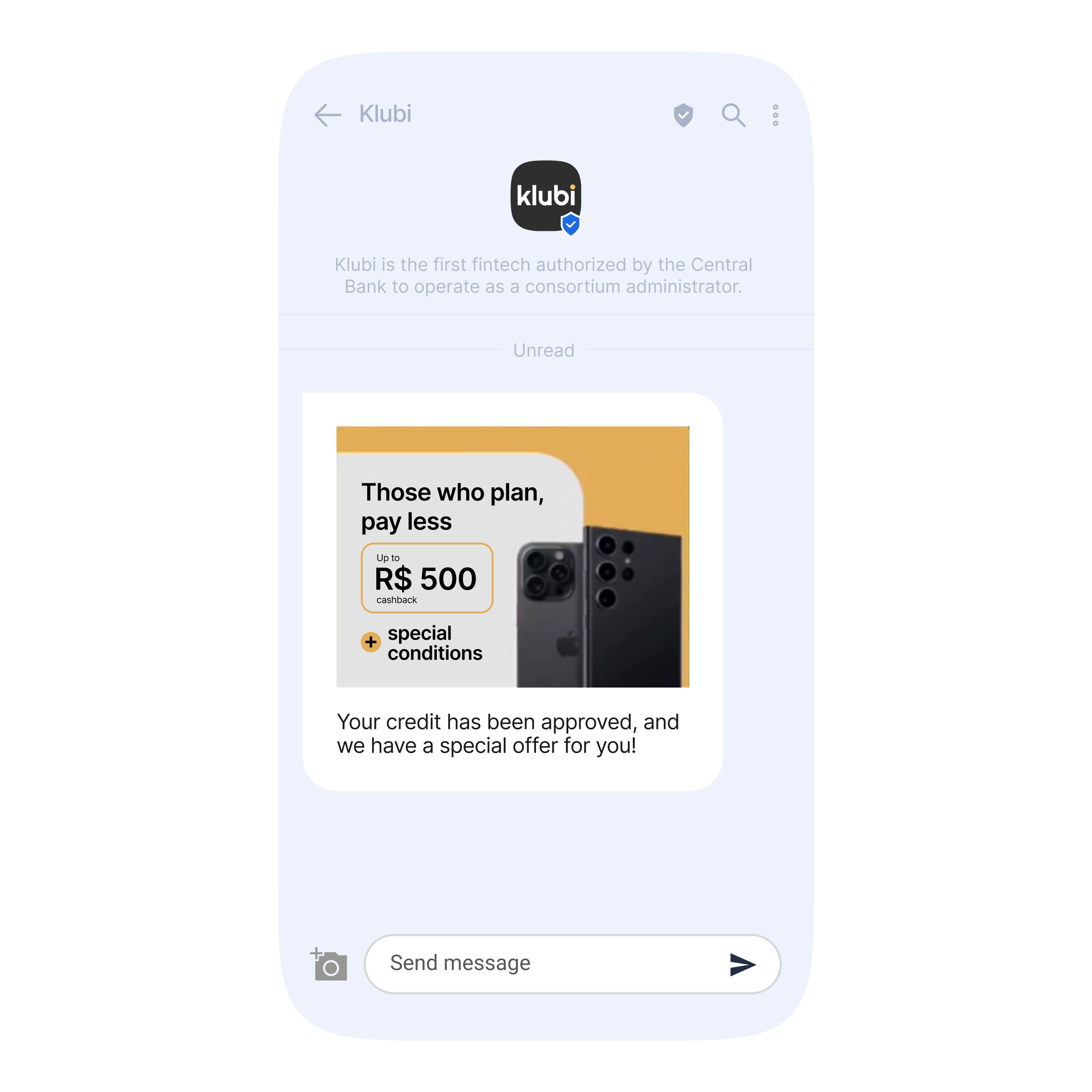
Here is how these two compare for professional use:
Google Voice
- Primary use case: Cheap VoIP calls and voicemail management.
- Sender format: Unverified. Shows up as a random 10-digit number.
- Message format: Plain text and basic images only.
- Scalability: None. Designed for manual, individual use.
- Analytics: None.
RCS for Business
- Primary use case: Marketing, customer support, and transactional alerts.
- Sender format: Verified sender. Arrives with your brand name, logo, and a “verified” checkmark.
- Message format: Rich cards, carousels, high-res video, and interactive buttons.
- Scalability: Unlimited. Can handle thousands of messages per minute with automated flows.
- Analytics: Detailed delivery and read reports.
Why your business should have a dedicated RCS provider
If you are serious about using mobile messaging to grow your business, relying on a consumer-grade app like Google Voice is a bottleneck.
Moving to a professional RCS for Business provider like Infobip opens up capabilities that transform how customers perceive your brand.
1. Instant trust
The biggest hurdle in business messaging is getting the user to trust the sender. With RCS, you don’t just show up as a number; you show up as a brand. Your profile includes your logo, business name, and a verification badge. This immediate recognition significantly increases open rates and reduces the chance of being marked as spam.
2. Richer customer experience
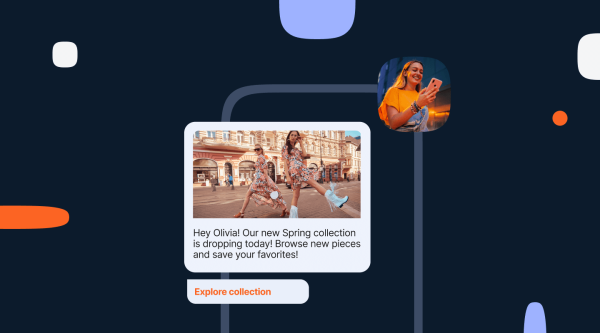
Instead of asking customers to “Reply YES to confirm,” RCS allows you to provide interactive buttons like “Confirm Appointment,” “Reschedule,” or “Talk to Support.” You can send swipeable carousels of products, share high-definition videos, or even process payments—all within the native messaging app.
3. Intelligent fallback
One valid concern is: What if my customer doesn’t have an RCS-capable phone? Infobip handles this easily: our platform uses intelligent fallback logic. We automatically check if the recipient’s device supports RCS.
- If yes: We send the rich, branded RCS message.
- If no: We automatically convert the message into a standard SMS or other channels (depending on your setup) to ensure it still arrives.
This ensures 100% delivery reliability without you needing to manage different contact lists.
Conclusion: switch to RCS for rich, secure, and branded messaging
Google Voice remains an excellent tool for managing calls and voicemail on a budget. However, for modern messaging, it is stuck in the past.
If your business relies on communicating with customers via text, staying on Google Voice means accepting limitations that lower your engagement and hide your brand identity. The shift to RCS isn’t just about “bubbles” changing color—it’s about offering a secure, branded, and interactive experience that customers trust.
Other frequently asked questions about Google Voice & RCS
It is unlikely in the near future. Google’s focus remains heavily on Google Messages. The technical architecture of Google Voice would require a massive overhaul to support the Universal Profile required for RCS.
Generally, no. Google Voice numbers are hosted by bandwidth providers that treat them as VoIP landlines. To use RCS for Business, you typically need to register a new verified agent or migrate to a mobile-capable number supported by an RCS partner like Infobip.
Yes, with the release of iOS 18, Apple has adopted the RCS standard. This means RCS messages (including high-res media and read receipts) now work seamlessly between Android and iOS devices.