




Talk or text – get the best of both with WhatsApp Business Calling
Add voice calling capabilities to your WhatsApp Business messages with Infobip’s secure, scalable API. Leverage voice to resolve issues faster and drive conversions – all in one channel.
What is WhatsApp Business Calling?
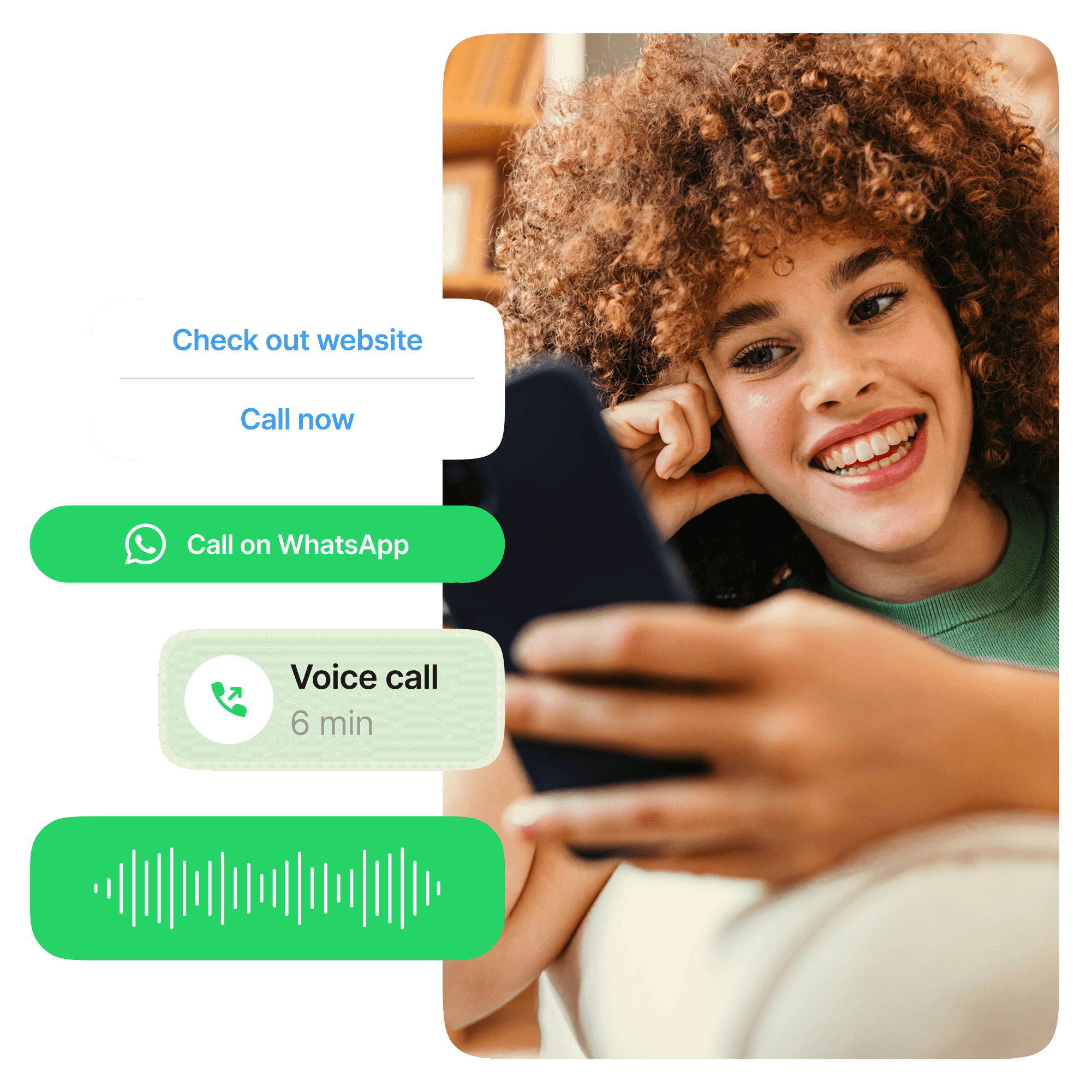
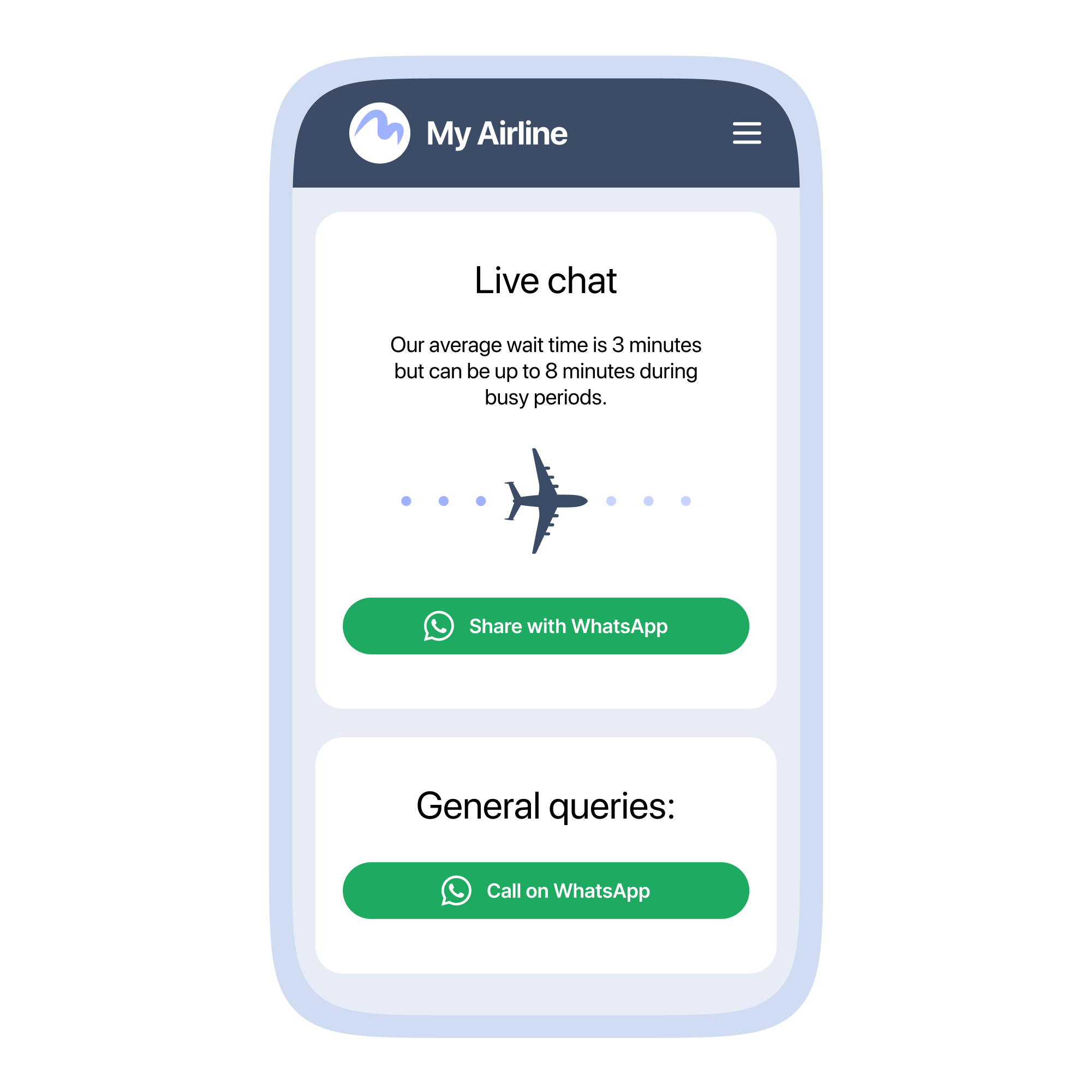
This feature enables organizations using the WhatsApp Business Platform for their customer messaging to add voice calling to the user experience. Customers can start a call with just one tap from within WhatsApp, just like they would with friends and family, or they can grant permission for an agent to call them in the same way.
Flexible support
More ways to get in touch
Key benefits of WhatsApp Business Calling

How WhatsApp Business Calling works
Instant calls with no app switching required
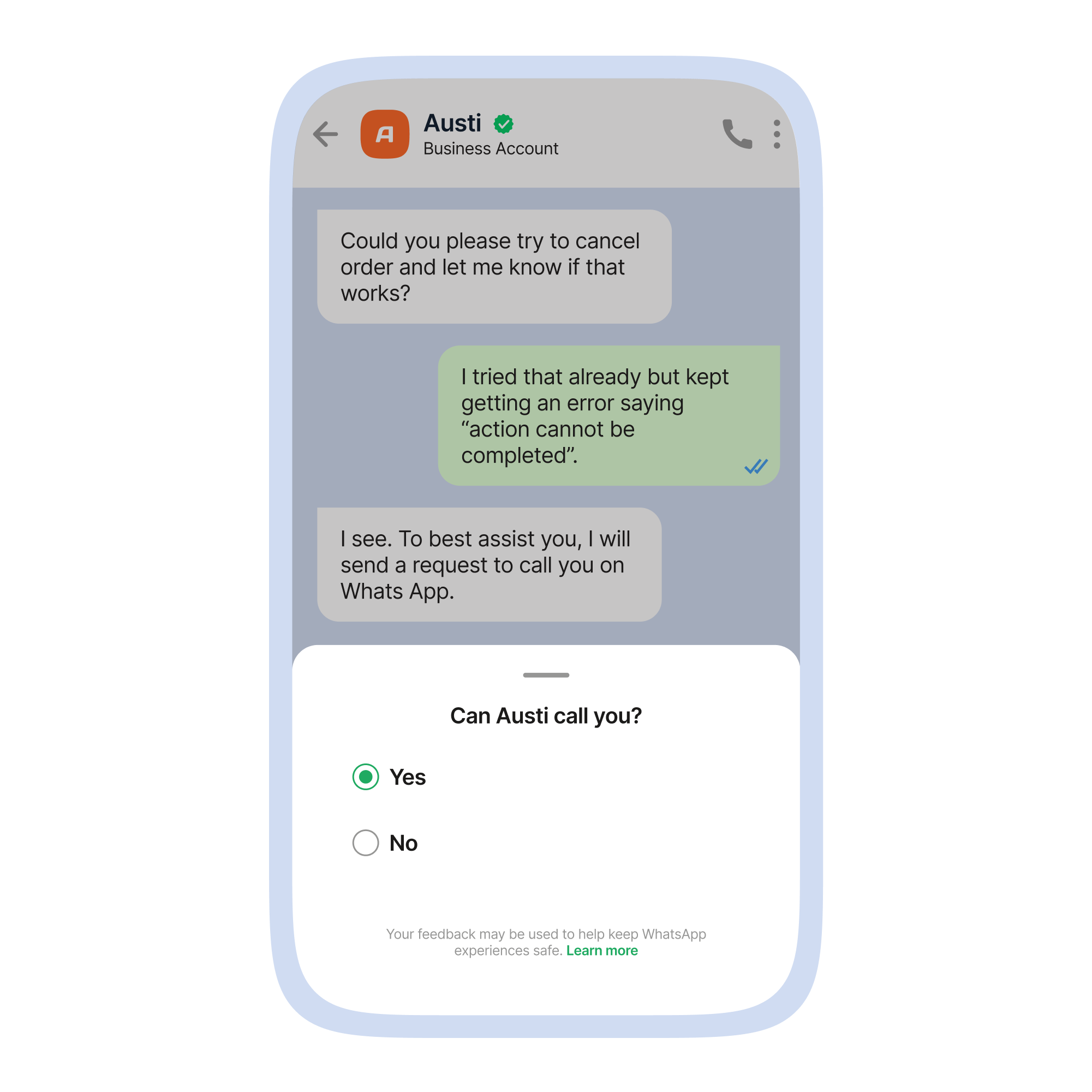
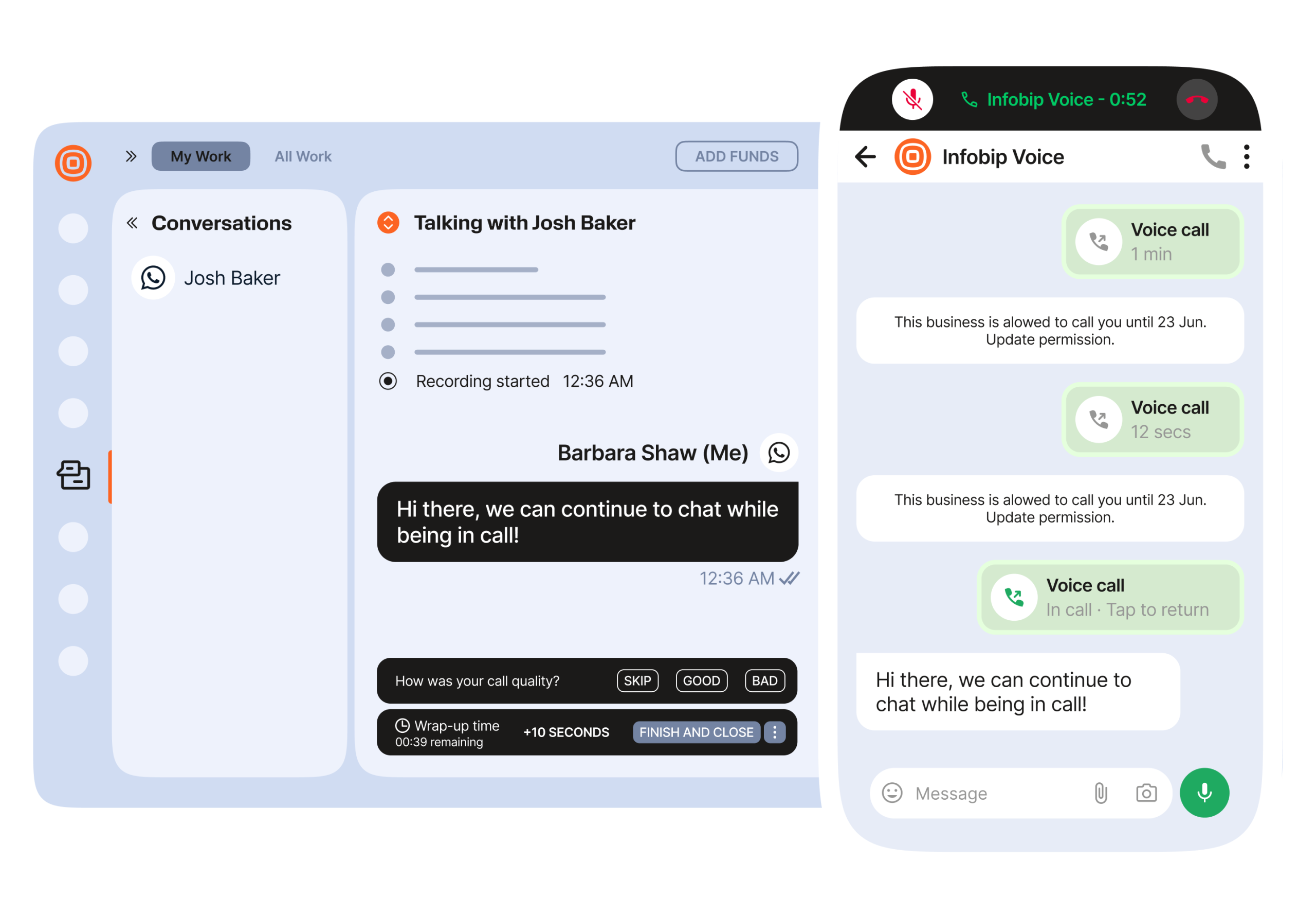
Agent-initiated calls
Talk, type, and exchange media
Close the loop with immediate feedback
Verified, secure, and trusted
Use cases
Switch to Voice
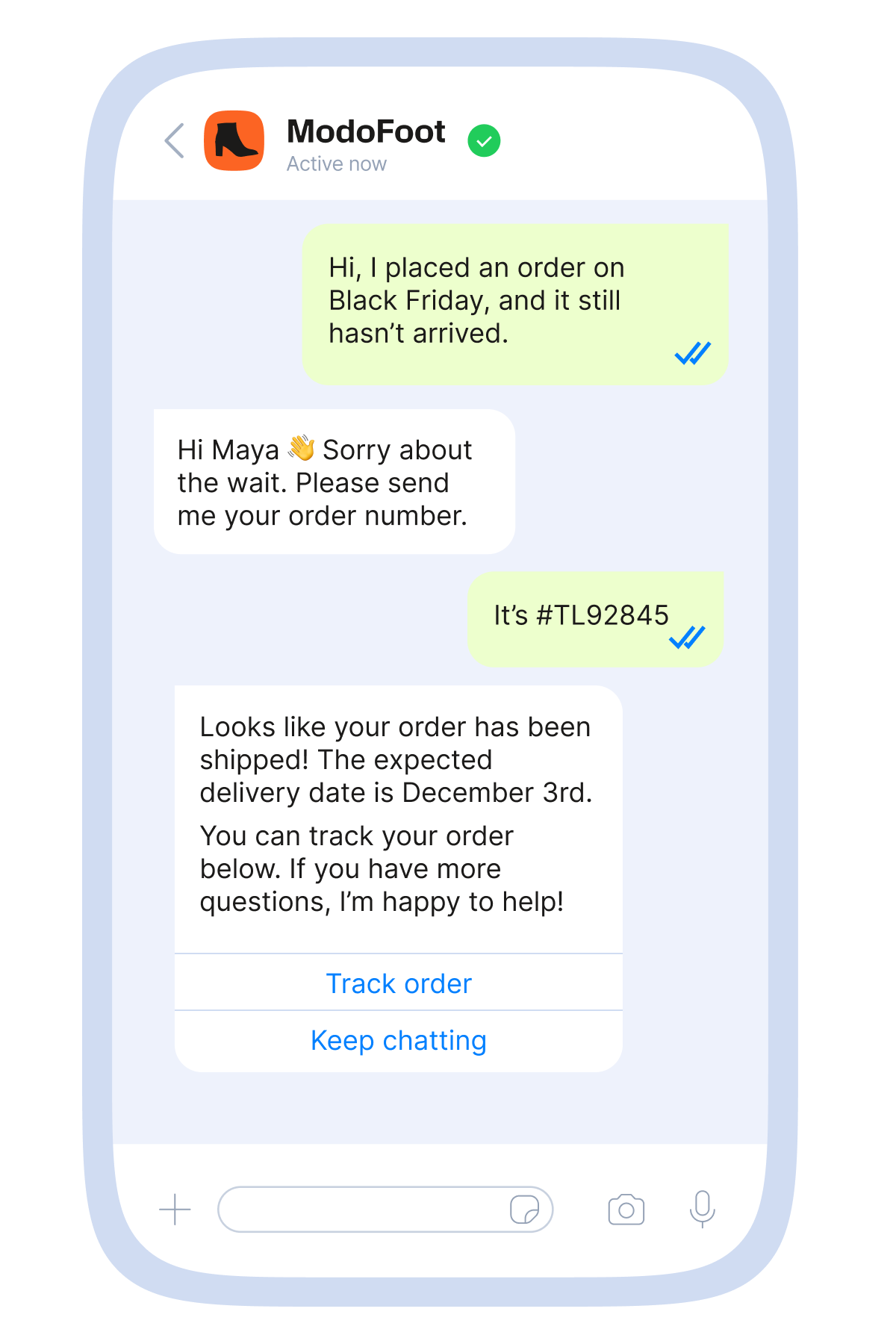
Customer support escalation
For more complex issues it is often more efficient for agents and customers to talk directly. This reduces time to resolution by avoiding misunderstanding and enabling the agent to consider the customer’s context and mindset.
Lead nurturing
Sales consultations & post-purchase follow-up
WhatsApp has been proven to be a highly effective channel for nurturing leads by providing curated information via rich media and implementing flows that guide people through the purchase funnel. With WhatsApp Business Calling API these workflows can be further enhanced with the option to call an agent, or by providing permission to be contacted.
Never miss a deadline
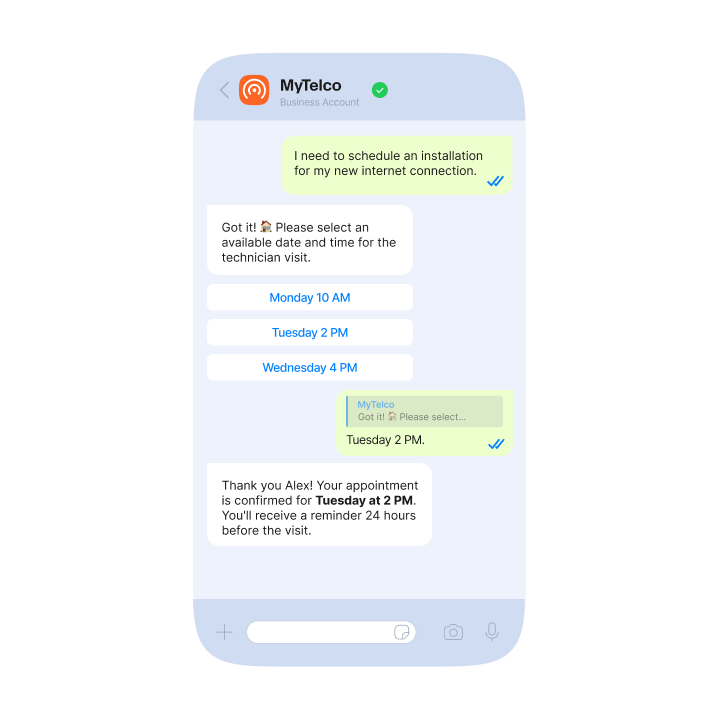
Proactive voice reminders
Use the WhatsApp Business API alongside scheduled messages to customers who have opted in to remind them about important deadlines or upcoming appointments.
Closer relationship
Secure and trusted communication
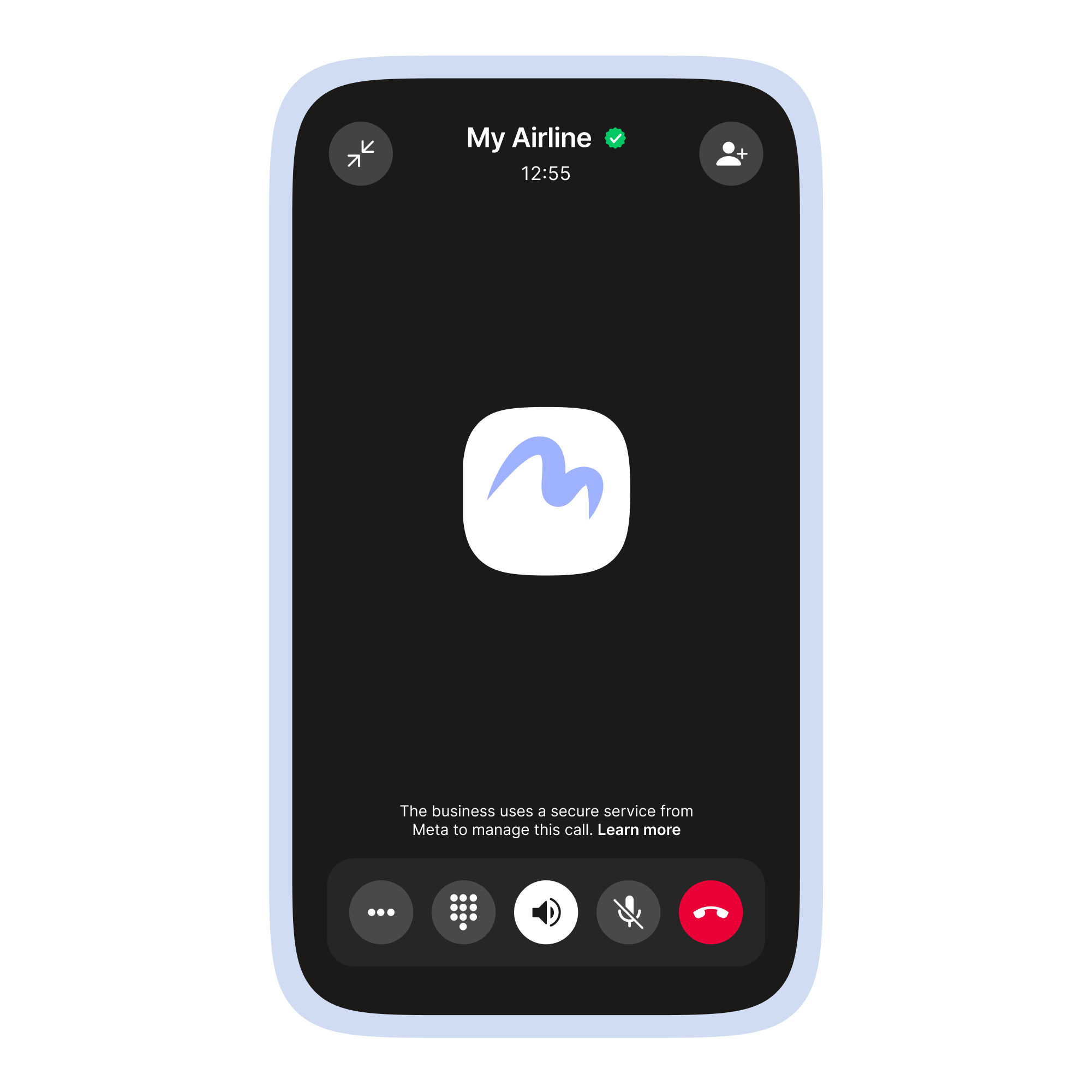
Benefit from the trust that people have in the app they use every day. By displaying your verified business name, logo, and checkmark directly within WhatsApp, your brand becomes instantly recognizable, increasing trust and boosting answer rates.

Why work with Infobip to adopt WhatsApp Business Calling?
Work with an experienced Meta partner
Always on security, compliance, and reliability
Existing integrations ready to plug in and start working for you
Frequently asked questions about WhatsApp Business Calling
Yes. To get a call, business must get permission from the user. A call permission request can only be sent when an existing marketing, utility, authentication, service, or free entry point conversation is open.
Yes, WhatsApp Business Calling is secure. Calls are protected by End-to-End Encryption (E2EE), meaning only the sender and receiver can access the content. Not even Meta can listen in. In addition, users can customize who sees their profile photo, last seen, and status.
Yes, international calling is supported.
Video calls are not yet included in the released version.
Yes. For example, during a support call between an agent and customer, both would be able to send text and rich media messages during the call, without leaving the app.
In some industries, for example finance and banking, it is standard practice to record certain calls for compliance purposes. This function is not natively supported by the WhatsApp Business Calling API, but it is supported by our own integration, so our customers can record WhatsApp calls.
For existing Infobip customers, we would encourage you to get in contact with your account representative who will be able to guide you through the process. If you haven’t worked with us before then please get in touch using this form and we will be in contact.