


Promote, engage, and convert with WhatsApp promotional messages
Send offers, coupons, and product updates directly on WhatsApp, the world’s most trusted messaging app.
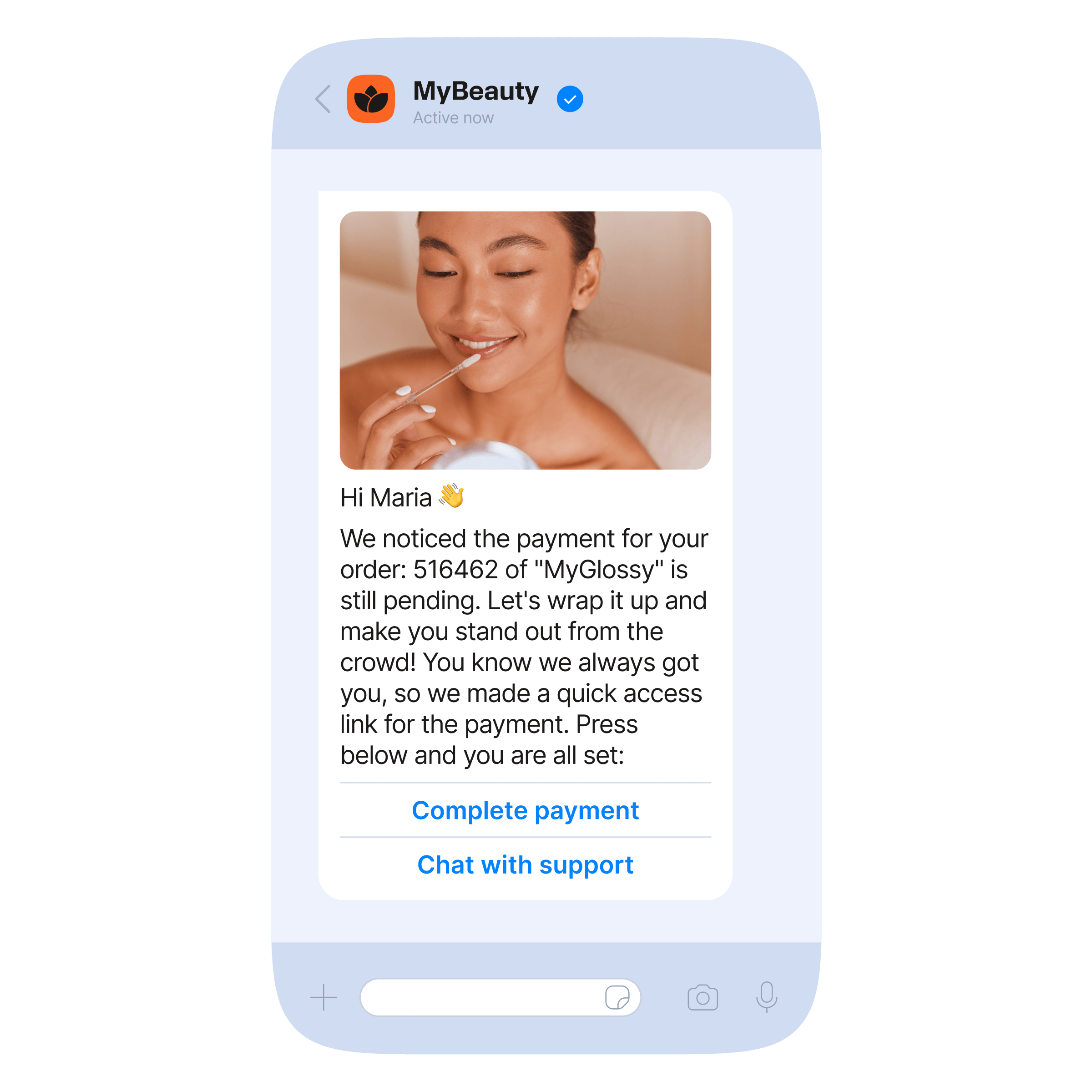
What is a WhatsApp promotional message?
A business-initiated marketing template used to send offers, discounts, product announcements, and sales alerts directly to opted-in customers. These messages use Meta-approved marketing templates and can include interactive features that help customers browse, engage, and purchase without leaving WhatsApp.
- Personalized offers based on customer data (past purchases, browsing history, preferences)
- Interactive and dynamic product messages such as carousels, lists, add-to-cart buttons, and WhatsApp Flows
- Clear CTAs and URLs to drive conversions instantly
- Instant customer support via chatbot or human agent when customers need help
- Smooth shopping journeys in one chat: browse → ask → buy → confirm
- Infobip ensures compliance and template approval via automated checks within the platform
3
billion
users
2.3 billion
daily active users
100 billion
messages sent per day
Marketing strategy for WhatsApp promotional messages
Deliver offers and updates customers actually want to see.

Create targeted WhatsApp promotions
Segment your audience and send tailored offers, discounts, and product updates that resonate with each customer.
Drive engagement with interactive messages
Use buttons, lists, product messages, and add-to-cart CTAs to make it easy for customers to act directly within WhatsApp.

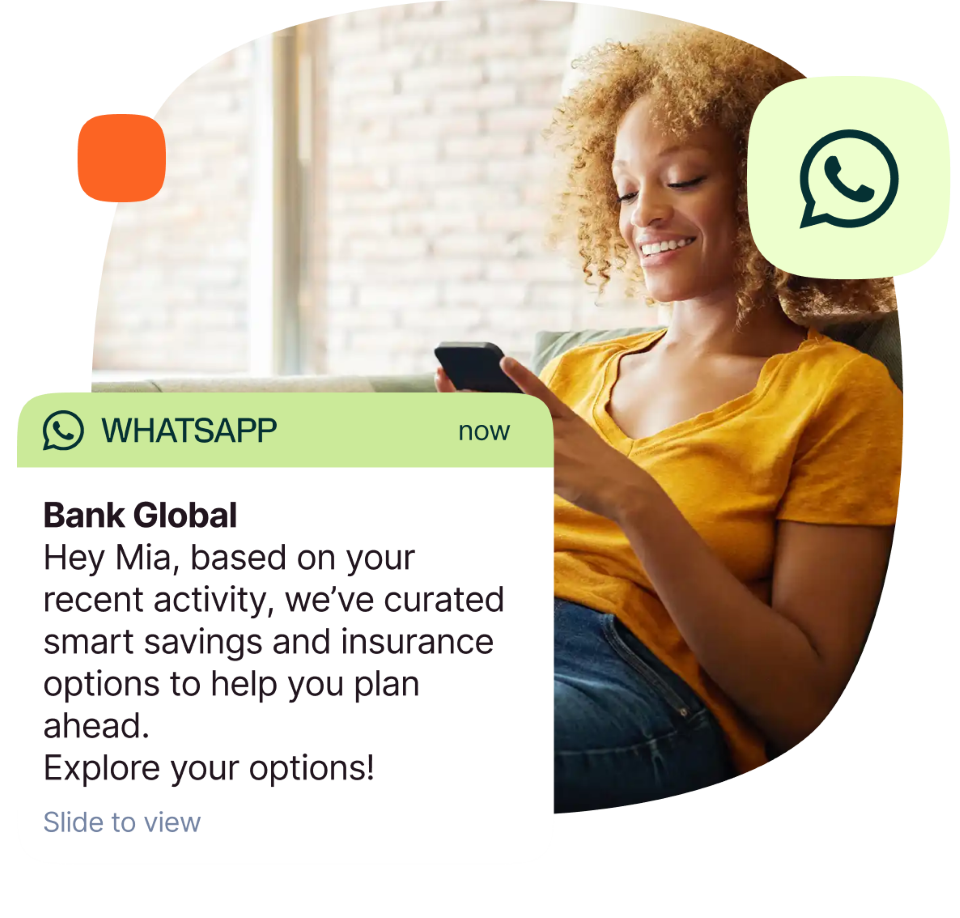
Personalize campaigns with customer data
Use past behavior and browsing history to deliver relevant promotions at the right time, boosting trust and conversions.
WhatsApp user-level cappings: What you need to know
To enhance user experience, WhatsApp (Meta) is currently allowing you to send two marketing messages per interaction (24-hour conversation window).
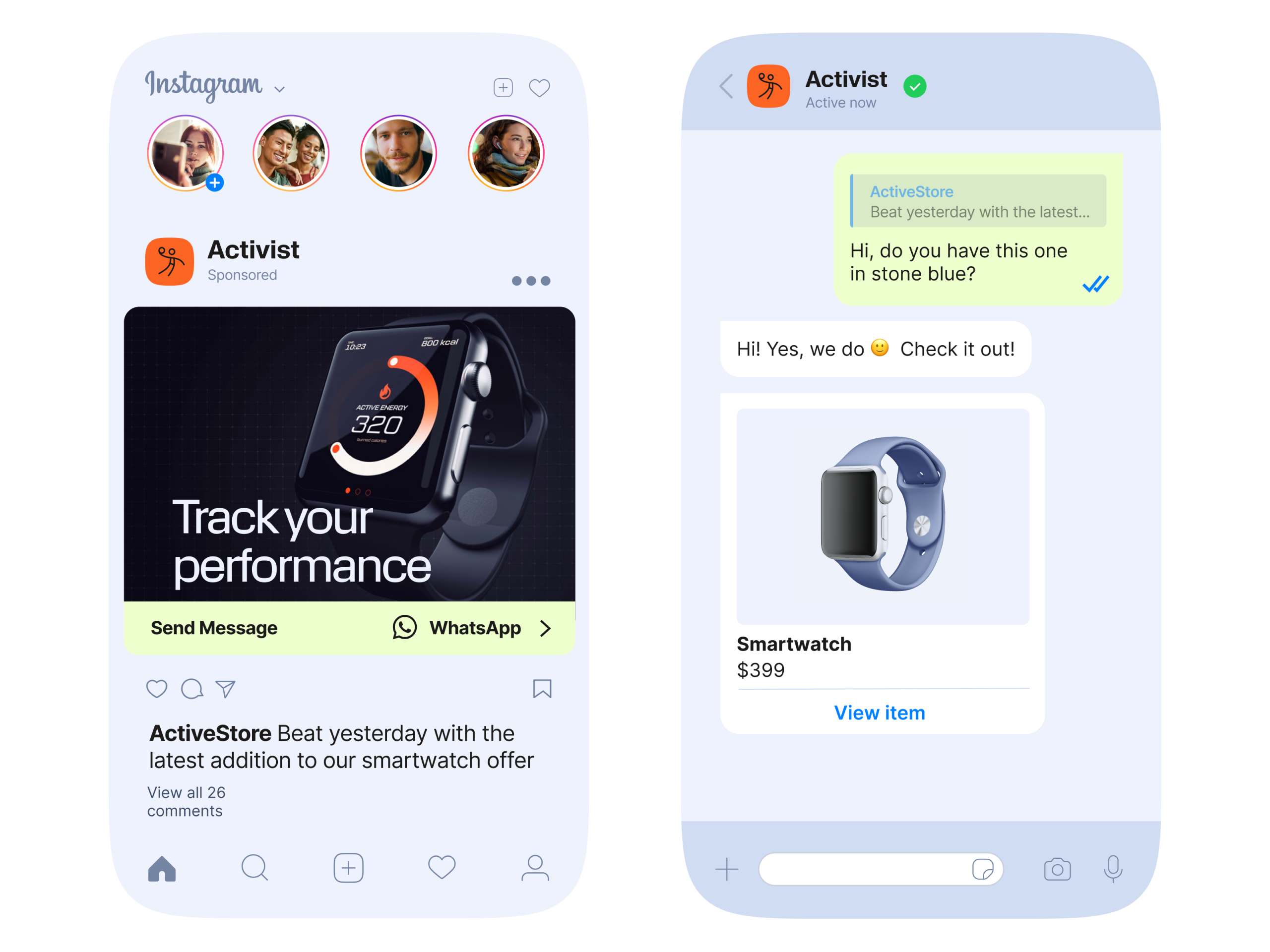
- The limit only applies to marketing template messages that would normally open a new marketing conversation
- If a user responds, free-form messages, including interactive messages such as URLs, CTAs, lists, and Flows, should be sent to continue the conversation
- You are also allowed to send one further marketing template in that 24-hour conversation window regardless of the user’s response
- In case the user doesn’t respond to any of those two marketing messages, you can attempt to send an additional campaign at another time after the conversation window is closed
- Other types of WhatsApp message templates (Utility, Authentication) can be sent independently of frequency capping
- If a marketing template message is not delivered to a given user due to the limit, you will receive an error code 7032
How to create a WhatsApp promotional message?
- 1. Define your campaign objective
- 2. Build a marketing message template through Infobip platform
- 3. Add components (header, text, buttons, product message, CTA, URLs)
- 4. Submit for Meta approval
- 5. Launch your WhatsApp broadcast via API or customer engagement solution
- 6. Track performance
WhatsApp promotional messages your customers will engage with
Let customers discover products, see discounts, and buy instantly without leaving the WhatsApp chat.
WhatsApp promotional messages make it easy to send personalized offers, coupons, product announcements, and re-engagement messages at scale.


Promotional vs transactional WhatsApp messages
Combine both through Infobip’s omnichannel platform, automating promotions and confirmations across the entire customer journey.
| Feature | Promotional messages | Transactional messages |
|---|---|---|
| Purpose | Native chat app (Google Messages on Android, can be activated on iOS) | Cellular SMS |
| Trigger | Verified, branded sender with logo and name | Numeric sender ID, less brand visibility |
| Template required | Enhanced (anti-spoofing features) | Basic, more susceptible to phishing |
| Category | Rich, interactive messaging (buttons, branding, images) | Plain text only |
Automate promotions with WhatsApp chatbots
Deliver personalized promotions, assist customers 24/7, and guide them from browsing to purchase, all within WhatsApp.
- Always-on shopping assistant
- Automate FAQ replies
- Promote products dynamically
- Guide customers through the decision journey
- Smooth switch from bot to agent
Integrate WhatsApp Business Platform API in an instant
Start unlocking opportunities to scale communications and grow engagement with a flexible API supported by developers.
- Access detailed API documentation
- Get 24/7 integration support
- Create custom message templates
Expand your tech stack with multiple integration options
Easily implement the WhatsApp Business Platform into your existing tech stack and add on new integrations to build your B2C communication strategy.


Build smarter WhatsApp promotions with the right tools
With expert guidance from our CX team, you can build optimized promotional flows that attract, convert, and delight customers on WhatsApp.


FAQs about WhatsApp promotional messages
A WhatsApp promotional message is a business-initiated marketing message sent via Meta-approved templates to engage customers with offers, discounts, product updates, and sales alerts. These messages can include interactive elements like CTAs, product messages, lists, add-to-cart buttons, URLs, and WhatsApp Flows. Personalized and dynamic, they require customer opt-in and are fully compliant with Meta’s rules.
To create WhatsApp promotional message templates:
- Define the campaign goal and promotional content.
- Use Infobip’s platform or API to design the template.
- Submit the template for Meta approval (usually within one business day).
- Launch the promotional campaign via Infobip and monitor results through analytics.
Templates are mandatory for all business-initiated promotional messages for WhatsApp, ensuring compliance and delivery.
Yes. WhatsApp promotional messages are allowed under Meta’s Marketing template category. Businesses must use opt-in contacts and send messages via approved templates. Infobip automatically validates and ensures that your WhatsApp promotional message templates comply with Meta’s latest 2025 rules for smooth approval and delivery.
Popular examples using a WhatsApp promotional message template include:
Showcase products:
“Hi <Customer>, check out our new <Product> collection and enjoy 20% off today! Shop now: <link>.”
Loyalty rewards:
“You’ve earned 500 points! Redeem your reward here: <link>.”
Limited-time deals:
“Flash sale! Get <Product> at 15% off for the next 3 hours: <link>.”
Holiday discounts:
“Celebrate <Holiday> with 25% off on our latest products: <link>.”
Promotions:
“Exclusive offer: Buy one, get one free on <Product>. Claim it here: <link>.”
Reduce abandoned cart:
“Hi <Customer>, you left <Product> in your cart. Complete your purchase now: <link>.”
Suggest products:
“Customers who bought <Product> also loved <Suggested Product>. Get yours here: <link>.”
Using a WhatsApp promotional message template helps businesses engage customers, increase conversions, and boost sales by delivering offers directly in chat.
Transactional messages are designed to deliver alerts, confirmations, and OTPs based on user actions. They require Meta-approved templates and fall under the Utility or Authentication category. Promotional messages, on the other hand, focus on sales, offers, and marketing campaigns. These messages are initiated by the business, also require Meta-approved templates, and are categorized under Marketing.
Infobip helps businesses automate WhatsApp promotional messages at scale. Collect customer data, build detailed profiles, and segment audiences to deliver personalized campaigns. Behavior-triggered workflows send messages at the right moment, while intelligent automation ensures customers can browse, ask questions, and complete purchases efficiently. Agents have full context of conversations, making it easy to assist and support customers smoothly.
