




How businesses use WhatsApp API: Best use cases and examples
Many businesses today ask how to use WhatsApp for business. Customer communication has shifted. Email feels slow. Phone calls feel heavy. Messaging feels natural.

WhatsApp already plays a daily role in how people communicate. Customers use the messaging app to talk to friends, family, and colleagues. This makes it a practical channel for business communication as well. Conversations happen in real time, in an environment customers already trust.
To support this shift, businesses use the WhatsApp Business API, also known as the WhatsApp Business Platform. Unlike the WhatsApp Business App, which focuses on manual communication, the business API is built for scale. It supports automation, integrations, approved message templates, and multiple phone numbers. This allows teams to manage customer communication in a structured way.
This article explains how to use WhatsApp Business API in practice. It focuses on real use cases across marketing, sales, customer support, and operations. It also shows how businesses use WhatsApp for business purposes to improve customer experience.
How to use WhatsApp Business API step by step
Most businesses follow the same setup flow.
Step 1: Create and verify accounts
The business creates a WhatsApp business account and verifies one or more phone numbers. These numbers become the official entry points for customer communication.
Step 2: Define message templates
Message templates are required for outbound WhatsApp messages. They are used for:
- Marketing messages
- Utility notifications
- Authentication messages
Each template follows clear rules to ensure compliance.
Step 3: Connect systems and automation
After templates are approved, the business connects the business API to existing systems. These typically include:
- CRM platforms
- E-commerce systems
- Customer support tools
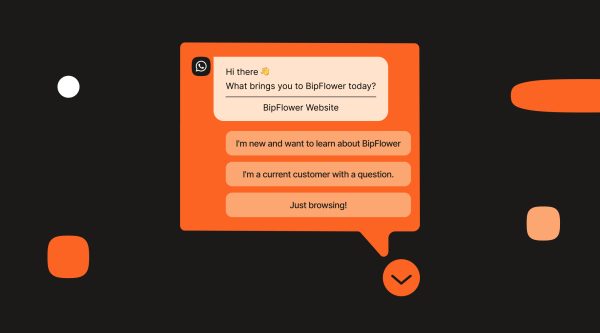
At this stage, many teams also set up a WhatsApp chatbot. Chatbots handle common questions and provide quick replies.
Step 4: Launch and monitor
Finally, the business activates entry points such as Click to WhatsApp ads, QR codes, or direct links. Teams then monitor delivery, engagement, and customer experience in real time.
Marketing and engagement on WhatsApp
WhatsApp works well for marketing because it feels like a conversation. Messages arrive in the same inbox customers use every day.
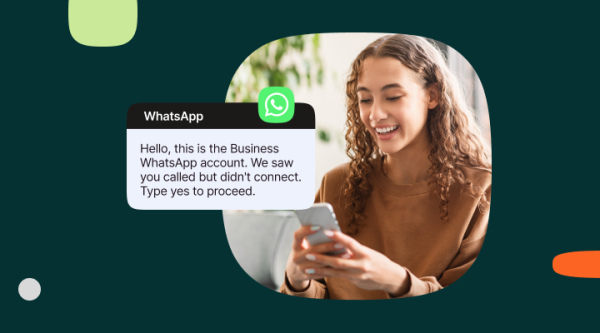
Businesses use WhatsApp to send offers, product announcements, and invitations. Each WhatsApp message is sent using an approved template. Messages often include images, buttons, and quick replies to encourage interaction.
Click-to-WhatsApp ads play an important role. Instead of sending users to a landing page, ads open a chat directly. Customers ask questions, share intent, or complete actions inside the conversation.
Because customers often start the conversation themselves, engagement feels natural rather than forced.
Sales and commerce conversations
WhatsApp also supports sales and commerce by keeping everything inside one conversation.
Customers can browse product catalogs, ask questions, and move through ordering steps without switching apps. Businesses confirm orders, share delivery updates, and follow up after purchase.
This real-time approach shortens the sales cycle. It also reduces friction, since customers receive answers immediately.
Customer support and customer service
Customer support is one of the strongest WhatsApp use cases. Many customers prefer messaging over phone calls or email.
With the WhatsApp Business API, businesses combine automation with human support. A WhatsApp chatbot handles common questions such as order status or opening hours. When needed, conversations move to live agents.
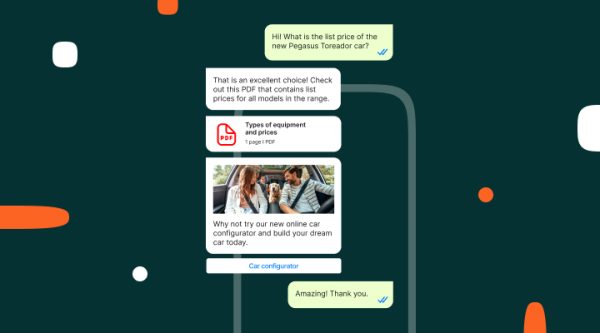
Quick replies speed up interactions. Rich media makes troubleshooting easier. Images, documents, and short videos often solve issues faster than text alone.
Because all communication stays in one thread, agents always have context. This improves response time and overall customer experience.
Customer engagement and loyalty
WhatsApp is not limited to sales or support. It also helps businesses stay connected with customers over time.
Common use cases include feedback surveys, loyalty updates, and personalized recommendations. Some businesses also send birthday greetings or milestone messages.
These messages work best when they are relevant and timely. When overused, they lose impact. When used carefully, they strengthen long-term relationships.
Operational and security messaging
The WhatsApp Business API supports time-sensitive and secure communication.
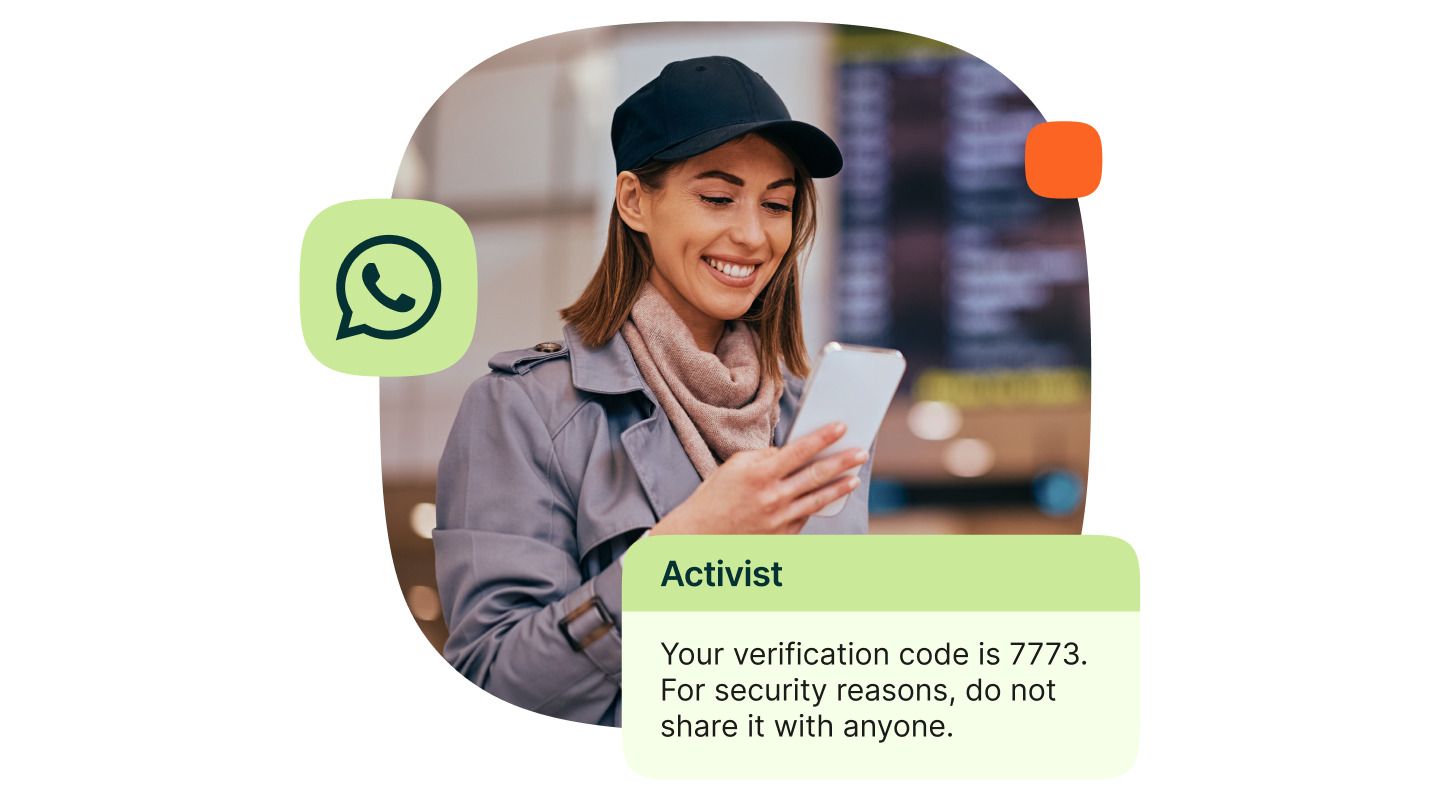
Businesses send authentication codes, payment alerts, and fraud warnings through WhatsApp. These messages rely on real-time delivery and trust.
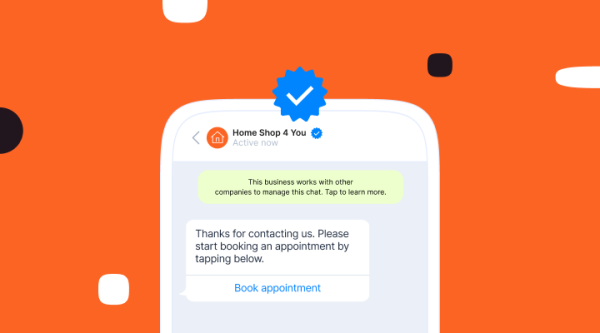
End-to-end encryption and verified business accounts make WhatsApp suitable for this type of customer communication.
Industry-specific use cases
Different industries adopt WhatsApp in different ways, depending on regulation and customer expectations.
- E-commerce and retail: cart recovery, promotions, order updates, loyalty
- Banking and financial services: onboarding, alerts, authentication, repayments
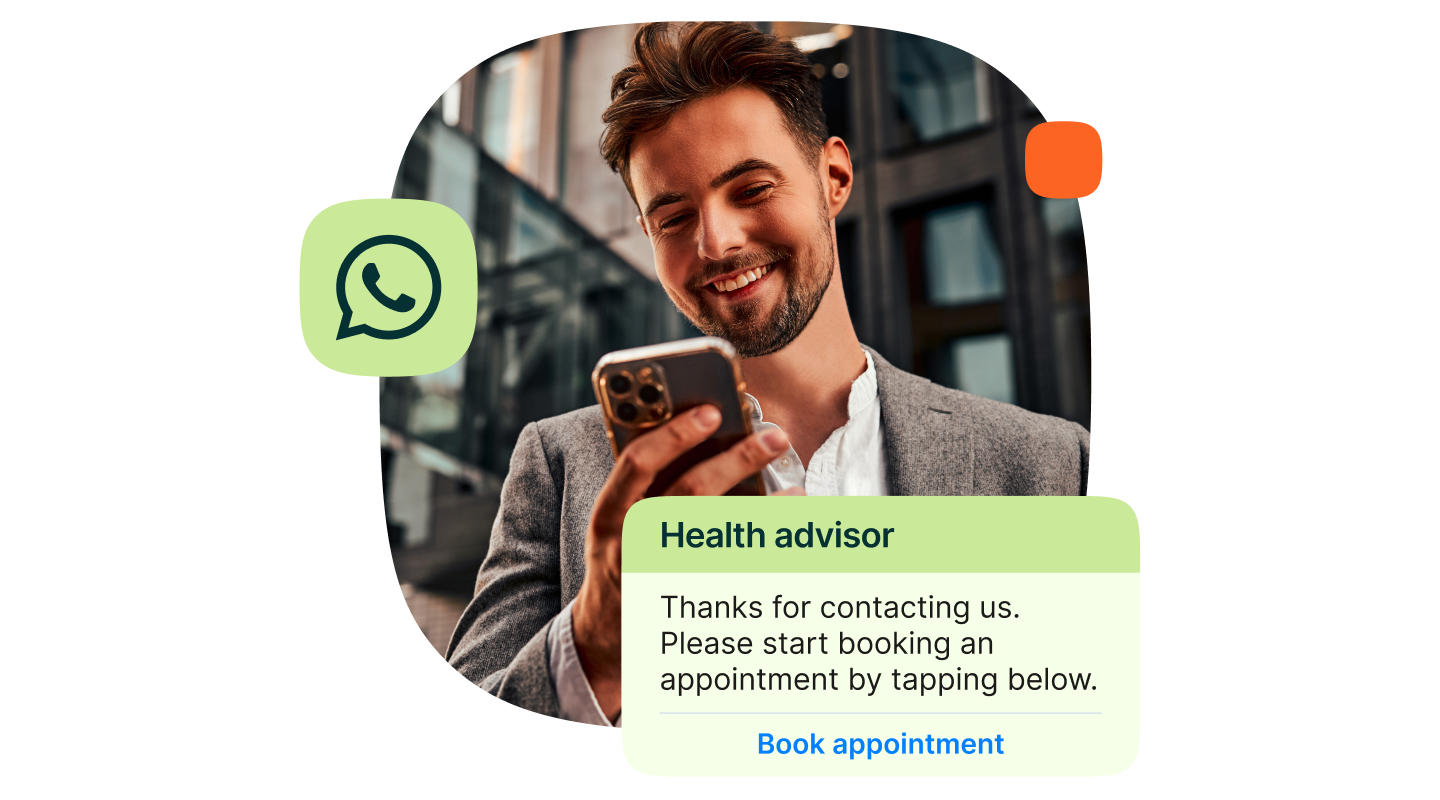
- Healthcare: appointment reminders, patient notifications, engagement
- Travel and hospitality: booking updates, itinerary changes, concierge support
- Logistics and transport: delivery notifications and support automation
- Education and public sector: reminders, information distribution, two way updates
The WhatsApp Business Platform supports these use cases through flexible templates and compliance controls.
Integration and automation
The business API becomes most valuable when integrated with existing systems.
CRM integrations help personalize WhatsApp messages. E-commerce integrations connect conversations with orders and payments. Customer service integrations route messages to the right teams.
WhatsApp can also work alongside SMS or RCS. This creates a connected customer experience across channels.
Best practices for using WhatsApp for business
Using WhatsApp effectively requires a clear structure.
Businesses must collect explicit opt-ins before sending messages. They must use the correct message template for each use case. Messages should stay relevant and timely. Frequency should remain controlled.
Following these principles protects deliverability and trust.
Conclusion
Understanding how to use WhatsApp for business has become essential as messaging replaces slower communication channels like email and phone calls. Customers expect fast, clear, and real-time customer communication, and WhatsApp meets those expectations within a familiar messaging app.
The WhatsApp Business API allows businesses to scale customer communication without losing the personal nature of chat. It supports structured messaging, automation, approved message templates, and verified phone numbers. This makes it suitable for both small businesses and larger teams managing high message volumes.
When used thoughtfully, the WhatsApp Business Platform supports the full customer journey. Businesses use it for marketing campaigns, sales conversations, customer support, and customer service automation. It also plays a key role in secure communication, such as authentication and important account notifications.
The real value comes from consistency. By integrating the business API with existing systems and following clear best practices, businesses can stay connected with customers in real time while maintaining control and compliance. Over time, this leads to a better customer experience and stronger customer relationships through a channel people already use every day.
FAQs
Businesses use WhatsApp by creating a WhatsApp business account, defining message templates, and communicating with customers through approved entry points such as ads, QR codes, or links.
Teams connect the business API to customer service systems. A WhatsApp chatbot handles common questions, while agents manage complex cases.
The app supports manual communication for small businesses. The platform supports automation, integrations, multiple phone numbers, and scalable customer communication.
Yes. Real-time messaging, faster responses, and familiar chat interfaces improve both customer service and customer experience.